JK Smart BMS JK-B1A8S20P/JK-B2A8S20P User Manual
s) MOS OTP(℃), MOS OTPR(℃)
When the MOS temperature exceeds the "MOS OTP(℃)" value, the BMS generates the "MOS
over-temperature" alarm and turns off the charging and discharging MOS, so the battery cannot
be charged or discharged. After the MOS temperature is lower than the " MOS OTPR(℃)" value,
the BMS will release the "MOS over-temperature" alarm and turn on the charging and
discharging MOS at the same time (the MOS over-temperature protection value is 75℃ and the
MOS over-temperature recovery value is 65℃, these two values are the factory default values
and cannot be changed).
Attention.
Any parameter modification, please refer to the manual, inappropriate parameters may make the
BMS not work normally, or even burn the BMS. After any parameter modification, you need to
click the "Set" button to finish sending the parameter, and the protection board will make a "tick"
sound when it receives the parameter successfully.
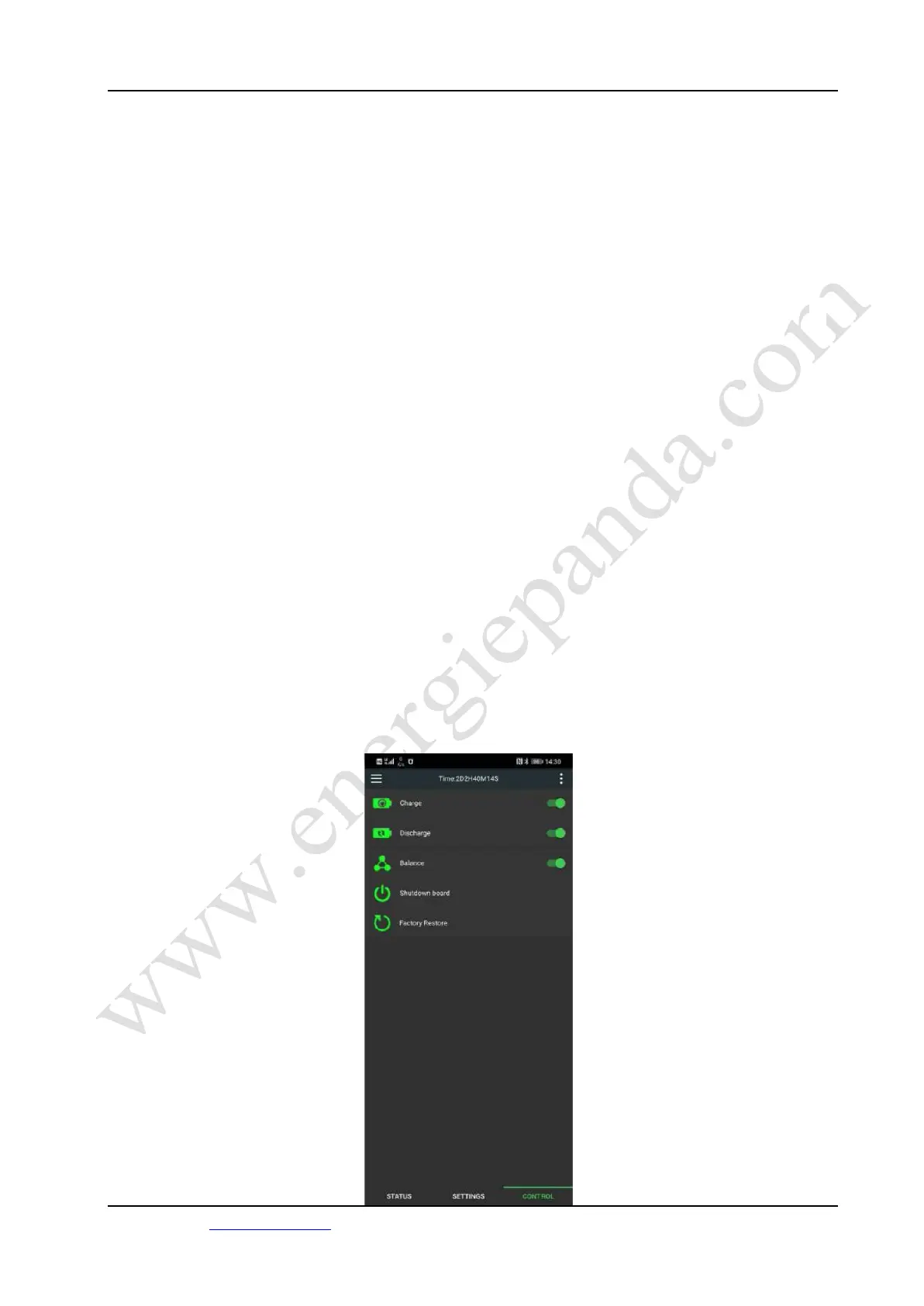
BMS control page
The BMS control page is shown in Figure 13. The BMS control allows you to switch on/off and
restore factory settings for the charging function, discharging function, and balancing function of
the BMS.
20 /22
Energiepanda.com, providing you with quality accessories for DIY batteries.



 To Next Page