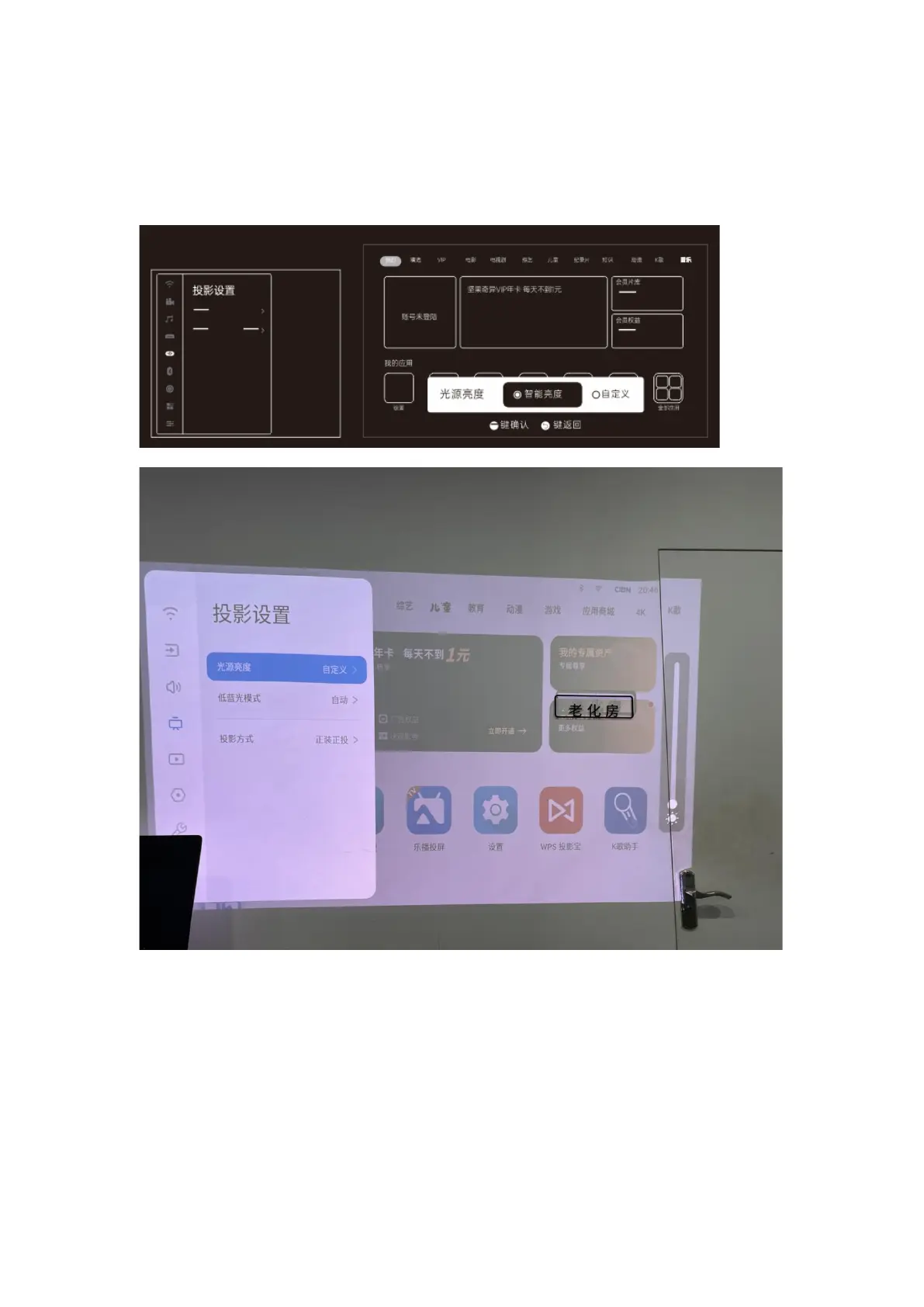
b) Custom: Manually adjust the brightness with the keys on the side of the remote control.
下方线稿右侧为国内系统的页面,请注意替换
6) Eye Protection Feature
This product includes a smart motion sensor designed to protect the user’s eyes.
Settings > Projection Settings > Eye Protection(注意红字路径有修改,请按此修改)
When this function is enabled, the smart sensor automatically cuts power to the projector lens
when it detects that someone is too close. This helps prevent damage to the human eye.


 To Next Page