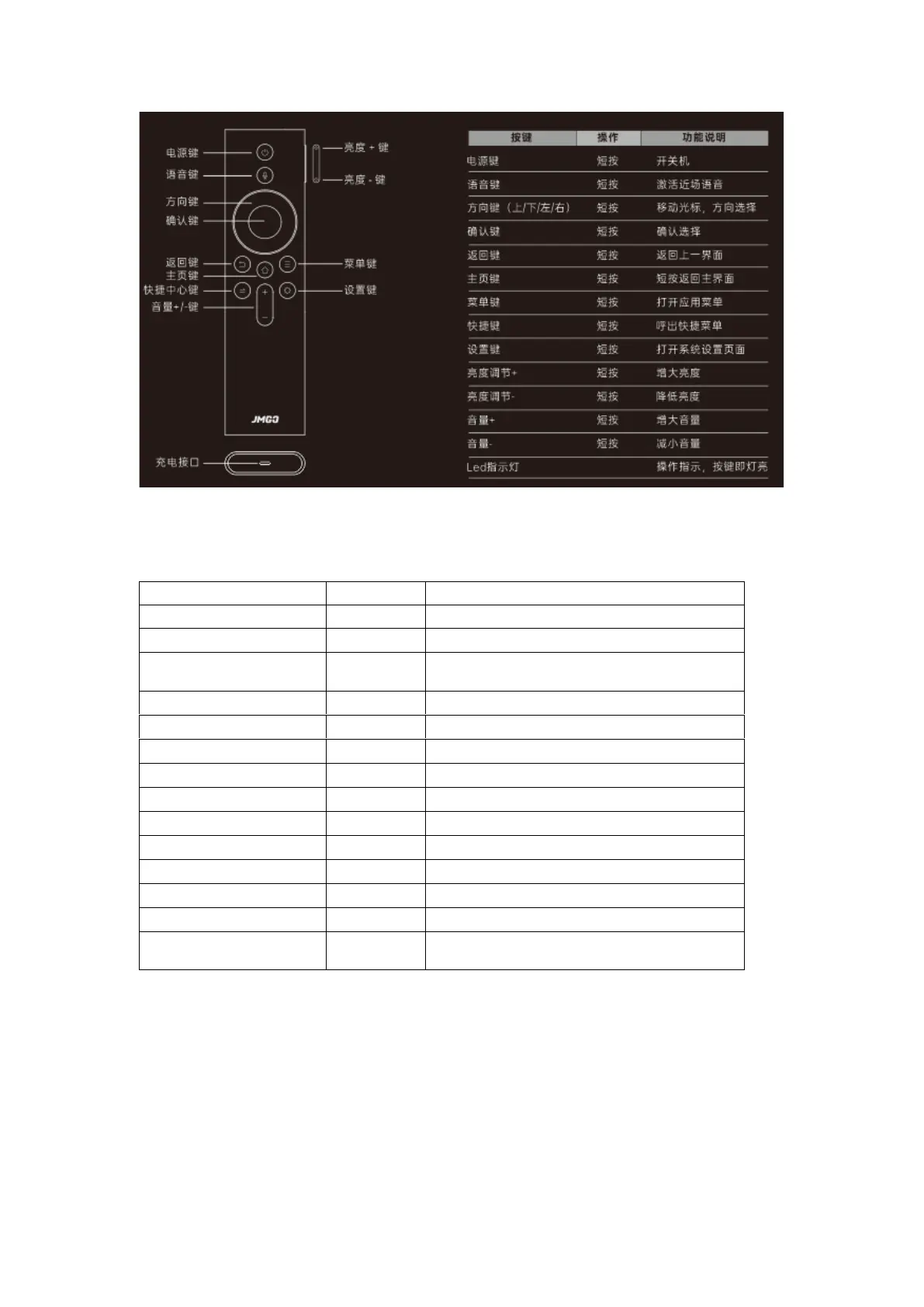
Turn the device on or off.
Activate near-field voice control.
Direction Pad
(Up/Down/Left/Right)
Move the cursor, or select a direction.
Return to the previous menu.
Return to the home screen.
Open the application menu.
Open the system settings page.
Used to guide operations, and lights up when
a button is pressed.
Charging Port
a) Bluetooth Pairing
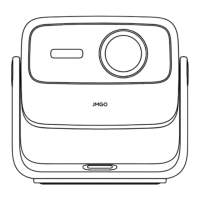
⚫ Use the remote control buttons to start up the device for the first time.
⚫ After turning on the projector and entering the system, press and hold the Center Shortcut
and Settings keys at the same time for over 2 seconds within the first 5 minutes. The light
will start to flash to indicate the remote control is now in pairing mode. The remote control


 To Next Page