Note:
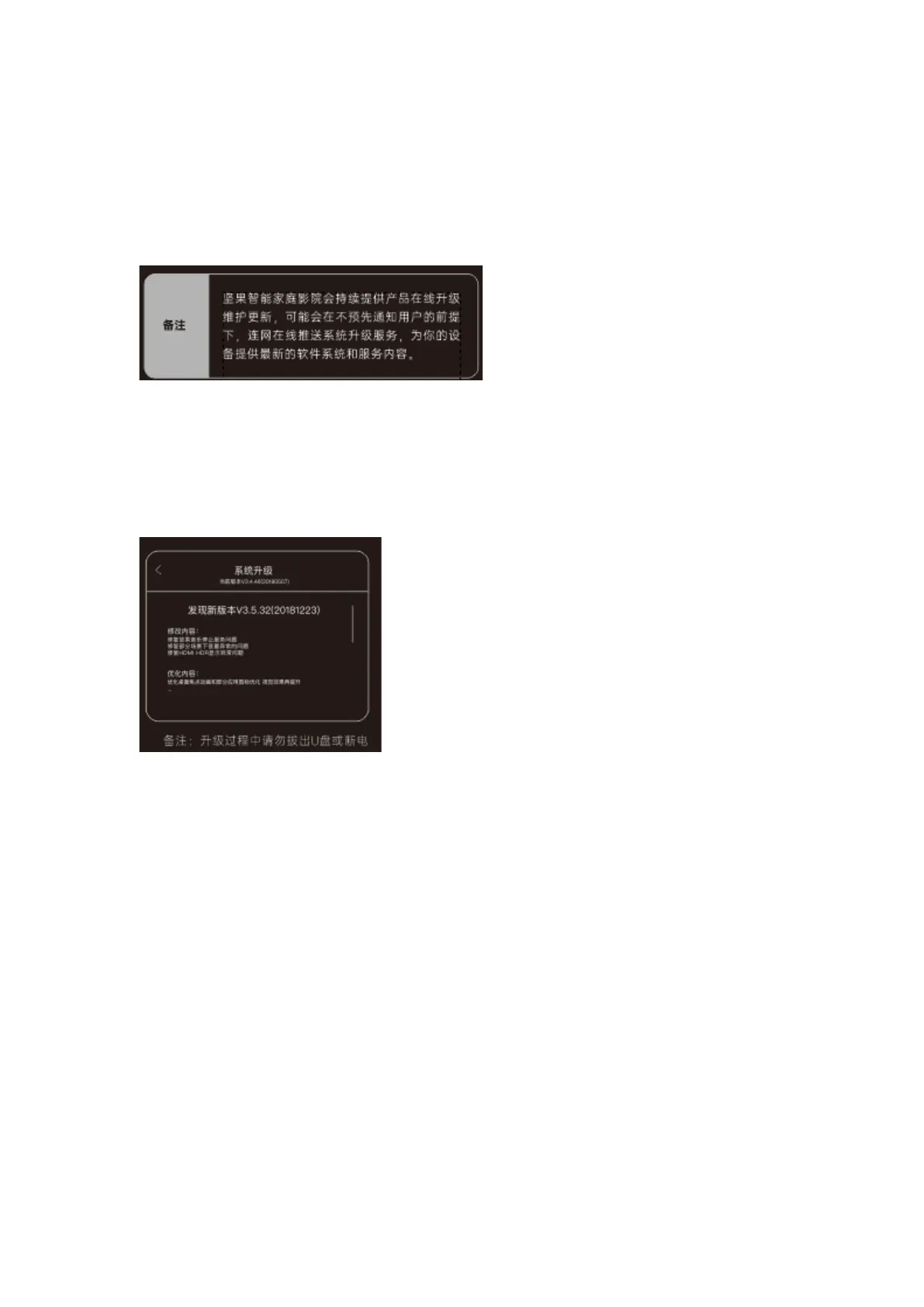
JMGO regularly releases software updates as continuous maintenance services. We may push
software updates without prior notice to ensure users can enjoy up-to-date experiences and
services.
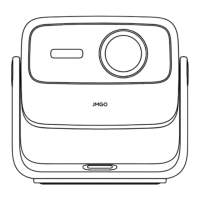
b) Local Update: Download the software update package from the JMGO website, copy the file
to the root directory of a hard disk or USB, then insert the hard disk or USB into the USB
port on the projector body. Head to Settings > System > Update Version, then select Local
Update. The system will automatically detect and install the update package.
Note:
Do not unplug the USB or cut off power during the update process.
1. File Management
This product can read from and write to local/external files.
Select the File Management button to read from and write to local files, along with files on
external hard disks, USBs, and other devices.


 To Next Page