EasyManua.ls Logo

John Lewis JL26 - User Manual

John Lewis JL26
30 pages
Print Icon
To Next Page IconTo Next Page
Loading...
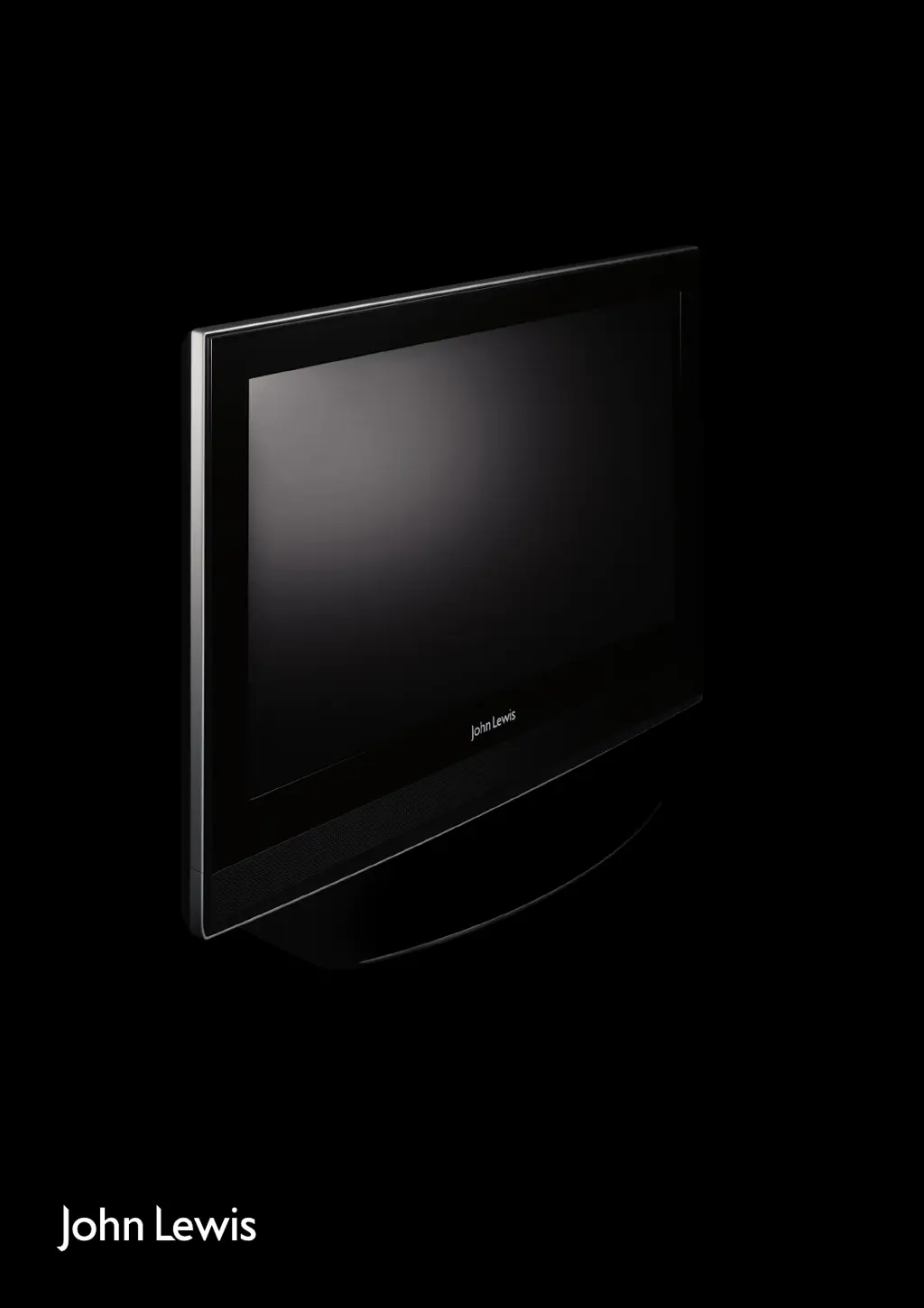
26 inch digital LCD TV
JLP-Model No. JL26
User guide
JL_26inTV_UG.indd 1 27/07/2009 11:44:26

Questions and Answers

  • D
    Dr. Lawrence BishopAug 8, 2025
    Why is there no picture and no sound on my John Lewis JL26?
    • J
      joseph13Aug 8, 2025
      If your John Lewis LCD TV has no picture and no sound, make sure the TV is correctly plugged into a suitable power source and that the electrical supply is turned on.
  • T
    Theresa AlvaradoAug 12, 2025
    What to do if my John Lewis JL26 LCD TV has no picture?
    • W
      William MccannAug 12, 2025
      If your John Lewis LCD TV shows no picture, make sure that the TV is turned on, the cables are fitted securely, and the aerial and/or external sources are connected. Also, press the Source button to change the source.
  • M
    mharringtonAug 16, 2025
    What to do if my John Lewis JL26 remote control is not responding?
    • J
      Jordan MelendezAug 17, 2025
      If your John Lewis LCD TV remote control isn't responding, check these possible causes: * Ensure the remote control is aimed correctly. * Make sure the front panel remote control sensor is not obstructed. * Verify the remote control batteries are inserted correctly. * Replace the remote control batteries if they are exhausted.
  • J
    Jacob HendrixAug 20, 2025
    How to fix no sound on John Lewis JL26?
    • P
      Pamela SandovalAug 21, 2025
      If there is no sound on your John Lewis LCD TV, try the following: * Press the Mute button and check if Mute mode is set. * Switch to another channel to see if the same problem occurs. * Press the V+ button to see if the problem can be solved.
  • V
    Veronica WilsonAug 25, 2025
    What to do if controls on John Lewis LCD TV not working?
    • K
      Kevin AustinAug 26, 2025
      If the controls on your John Lewis LCD TV are not working, disconnect the TV from the power supply, wait 10 seconds, and then reconnect the TV to the power supply.
  • M
    Mark TranAug 29, 2025
    Why is there no picture on some channels of my John Lewis LCD TV?
    • T
      Thomas PattonAug 29, 2025
      If there's no picture on some channels of your John Lewis LCD TV, verify that the correct channel is selected and adjust the aerial.
  • D
    Derrick CookSep 3, 2025
    Why are there spots on some or all channels on my John Lewis JL26?
    • S
      Spencer ReyesSep 3, 2025
      If you see spots on some or all channels on your John Lewis LCD TV, check that the aerial is correctly connected and in good condition.

John Lewis JL26 Specifications

General IconGeneral
HDMI Ports2
Aspect Ratio16:9
Response Time8ms
USB Ports1
Scart Sockets1
Built-in FreeviewYes
Power Consumption85W
Weight8.5kg
Screen Size26 inches
Resolution1366 x 768
Brightness450 cd/m²
Viewing Angle170° (H) / 160° (V)