EasyManua.ls Logo

John Lewis PRELUDE - User Manual

John Lewis PRELUDE
12 pages
Print Icon
To Next Page IconTo Next Page
Loading...
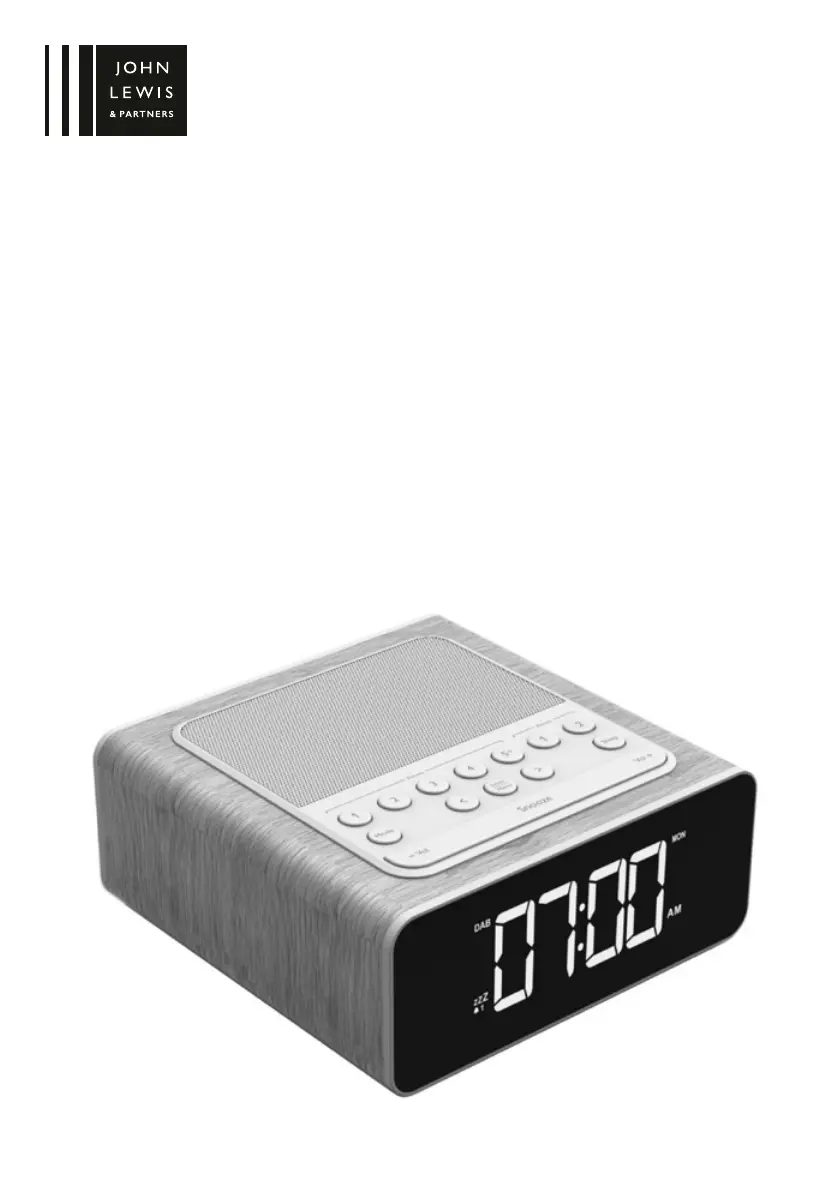
PRELUDE ALARM CLOCK RADIO
INSTRUCTION MANUAL

Questions and Answers

  • K
    Karen JohnsonAug 2, 2025
    Why can’t I find a specific radio station on my John Lewis PRELUDE Clock Radio?
    • A
      Alicia FernandezAug 3, 2025
      If you can’t find the station you want to listen to on your John Lewis Clock Radio, it could be due to a couple of reasons. The station may not broadcast in your local area, or there might be local interference affecting the reception. To resolve this: * Check if the station is available in your area (if using DAB, use getdigitalradio.com). * Extend the cable antenna for better reception. * Perform a full scan to search for available stations.
  • A
    Austin KaiserAug 16, 2025
    How to adjust the screen brightness on John Lewis PRELUDE Clock Radio?
    • C
      christophermurilloAug 16, 2025
      If the screen of your John Lewis Clock Radio is too bright, you may need to adjust the menu settings. You can manually set the brightness to a lower level. Alternatively, if you are using auto-dim, try to avoid bright lights shining directly on the screen.

Summary

Important Safety Information

Alarm Clock Radio Diagram

Getting Started

DAB Radio Operation

Instructions for tuning and scanning DAB stations.

FM Radio Operation

Instructions for tuning and scanning FM stations.

Bluetooth Connectivity

Steps to pair and connect Bluetooth devices.

Auxiliary Audio Input

How to connect external audio devices via the aux-in.

Dual Alarm Setup

Guide to setting up two separate alarms.

Alarm Management

How to snooze or stop a sounding alarm.

Presets Management

Using Presets 1-4

How to save and recall the first four presets.

Using Presets 5-30

How to save and recall presets 5 through 30.

Menu Options

Language Selection

How to select the user interface language.

Clock and Date Setup

Countdown Timer

Backlight Settings

Sleep Timer

Equalisation (EQ) Adjustment

Factory Reset

Care Instructions

Troubleshooting

Cannot Find Station

Solutions for poor radio reception.

Bluetooth Connection Issues

Steps to resolve Bluetooth pairing problems.

Screen Brightness Issues

How to adjust screen brightness.

Technical Specifications

Servicing and Disposal

Guarantee Information

John Lewis PRELUDE Specifications

General IconGeneral
BrandJohn Lewis
ModelPRELUDE
CategoryClock Radio
Display TypeLED
AlarmYes
Snooze functionYes
RadioYes
Weight0.5 kg
Radio BandsFM
Power SourceMains/Battery