W
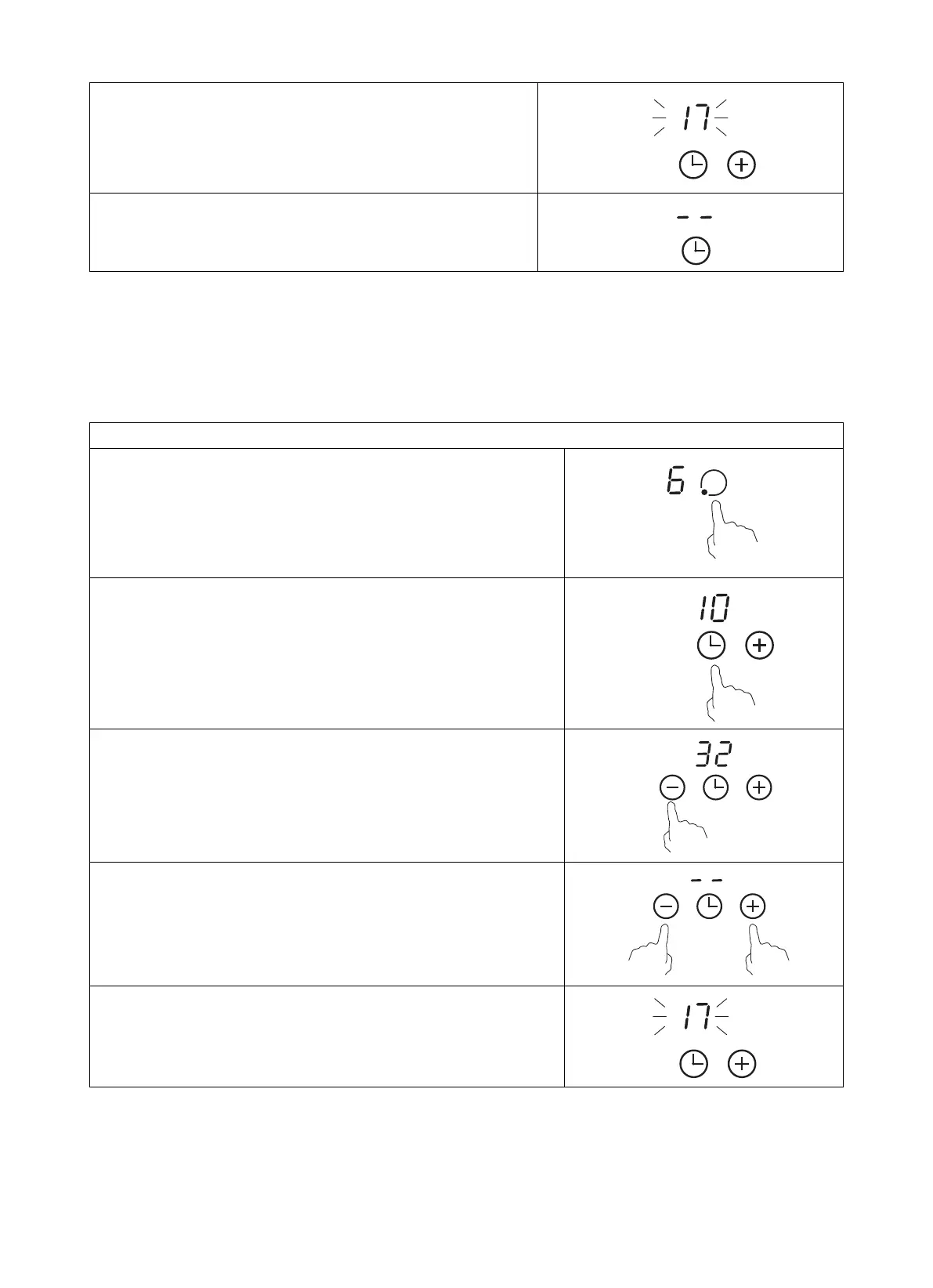
hen the time is set, it will begin to count down immediately.
The display will show the remaining time and the timer
indicator will flash for 5 seconds
B
uzzer will beep for 30 seconds and the timer indicator
shows “- -” when the setting time finished.
H
int:
a) Touch the “-” or “+” control of the timer once to decrease or increase by 1 minute.
b) Touch and hold the “-“or“+” control of the timer to decrease or increase by 10 minutes.
c) If the setting time exceeds 99 minutes, the timer will automatically return to 0 minute.
b) Setting the timer to turn one or more cooking zones off
Set one zone
Touching the heating zone selection control
T
ouch the timer control, the timer indicator show “10”
A
djust the timer setting by touch the “-“ or “+” control. The
minute minder indicator will start flashing and will show in the
timer display.
Touching the “-” and “+” together, the timer is cancelled, and the
“--” will show in the minute display.
W
hen the time is set, it will begin to count down immediately. The
display will show the remaining time and the timer indicator will
flash for 5 seconds
S
etting the timer to turn more than one cooking zone off
a
). If more than one heating zone use this function, the timer indicator will show the lowest time.
(e.g. zone 1# setting time of 5 minutes, zone 2# setting time of 15 minutes, the timer indicator shows
“5”.)
14
V.1



 To Next Page