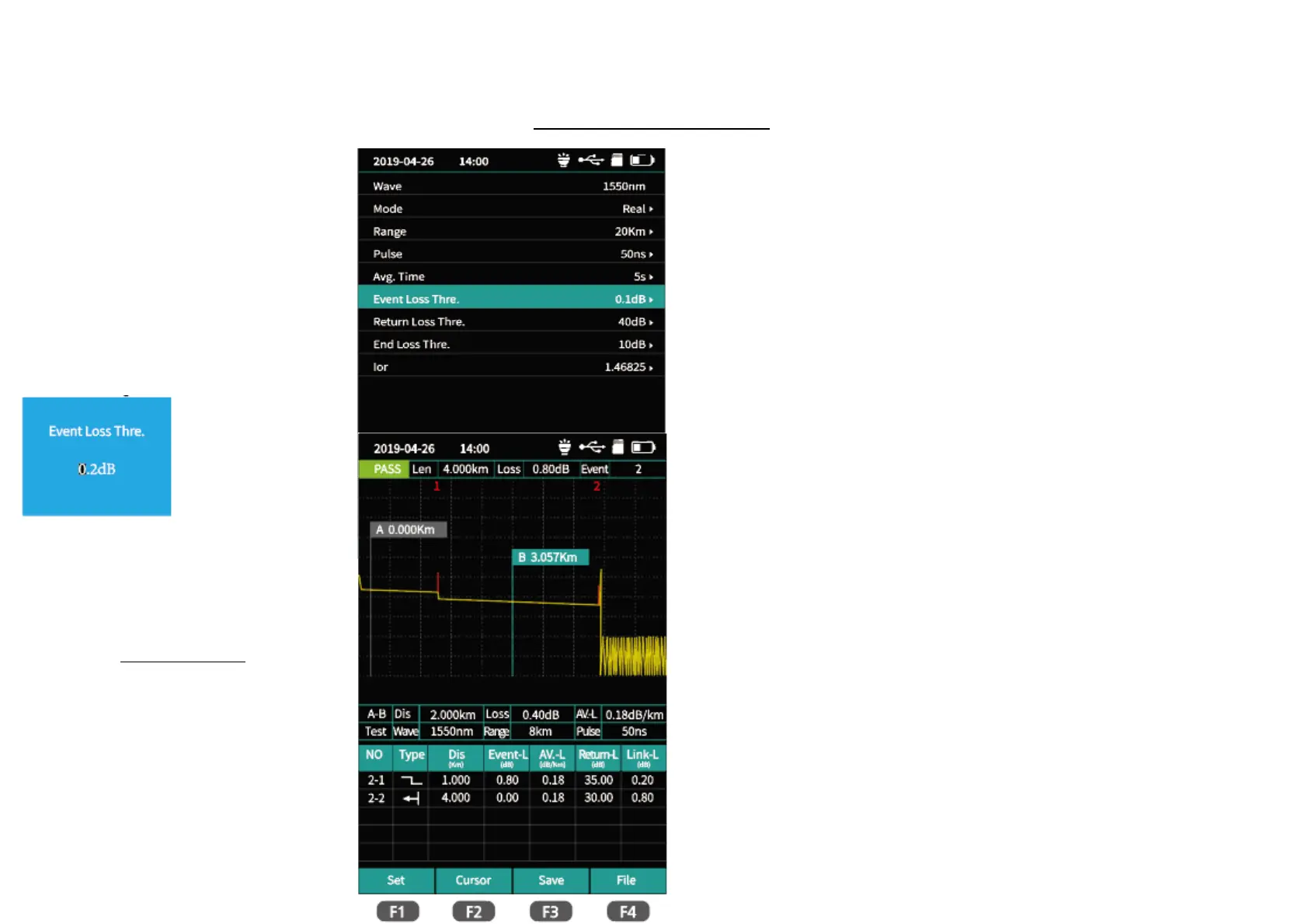
0TDR setting Interface
0TDR setting interface
Enter the parameter setting interface. Multi-digit settings, through the left and right key
positioning cursor, up and down selection.
▲▼: Choosing settings items.
Press OK button to confirm or edit corresponding measurement parameters.
F1:Test F2:OK F3:Recovery F4:Cancel
Test Results
Link quality and information can be viewed from the top after the test is completed,
Link information includes length, total loss and number of events.
Detailed event information can be viewed from the event list.



 To Next Page