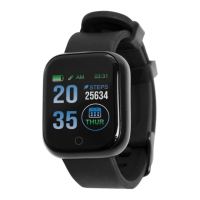
To view the device details, tap through the device menu screen
and press and hold at the “More” icon. Again, tap through the
menu until the model’s name and power off logo appear.
This Device will update the following: Date, time, and calendar details
to match to the connected App and smart device.
Pairing the Device:
If pairing devices through the App is unsuccessful try the below
actions.
1. Ensure no other BT devices are causing any interference
2. Turn off and then on the Smart devices BT connection
3. Restart both devices
4. Uninstall the App and reinstall
Unpairing the device
To remove the device pairing, select the “Remove” Icon in the “Set
Menu” and select confirm. This will delete all data and remove
the device pairing.
To completely disconnect the device from a connected smart
device, enter the BT settings on the smart device, find JOLT6SM2
and select “Forget this Device”.
Main App Features and Setting
It is advised to fully set up a user account profile within the App
for accurate results.
Device Pairing & Trouble Shooting Guide:


 To Next Page
 Loading...