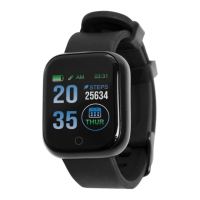
How to Use
Basic Operations:
1. Power On
Press and hold the front button for 4 seconds, the watch will
turn on and re-connect to the last smart device it was paired to.
If the device fails to power on, it could be due to insufficient
power and will need to be charged.
2. Power Off
Tap through the device menu screen and press and hold the
“More” icon. Again, tap through the menu until the model’s
name and power off logo appear. Press and hold again to power
off the device.
3. Reset
Tap through the device menu screen and press and hold the
“More” icon. Again, tap through the menu until the “Reset” icon
appears. Press and hold again to reset the device.
Note the reset option will place the device back to the factory
settings.
The battery life and charge cycles will vary based on usage and
device settings.
Ensure only the charger supplied is used to ensure optimal charging
capability. Always ensure the charging case is firmly closed over the
device.


 To Next Page
 Loading...