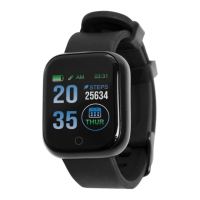
4. Screen Wake Up Options
1. Tap the display screen button
2. Turn and raise wrist to activate screen wake up function
(Controlled via the App)
Tap the “Brightness Controller” icon to enter the menu to activate
this function. A timer can also be set for this function.
Basic Operation Connected App:
The App has 4 main menu icons found on the bottom of the
screen.
Home – This is where activity statistics are found.
My Health Rating
This will show a health rating based on the information
completed in the user profile section.
Healthy Habit
This is where activity logs are completed and where custom
activities can be created.
Set – This is where device settings can be adjusted.
Brightness Control – Adjusting screen wake up function and
adjusting a schedule to turn ON/OFF.
Do Not Disturb - Turning this function ON/OFF and setting a
schedule.
Alarms – 8 Individual alarms can be set and adjusted.


 To Next Page
 Loading...