JOOVV SINGLE DEVICE SETUP QUICKSTART GUIDE
2
Getting Started
Single Device Setup
Mini, Solo
To congure your Joovv into Lead Mode follow the steps listed
below.
Lead Device
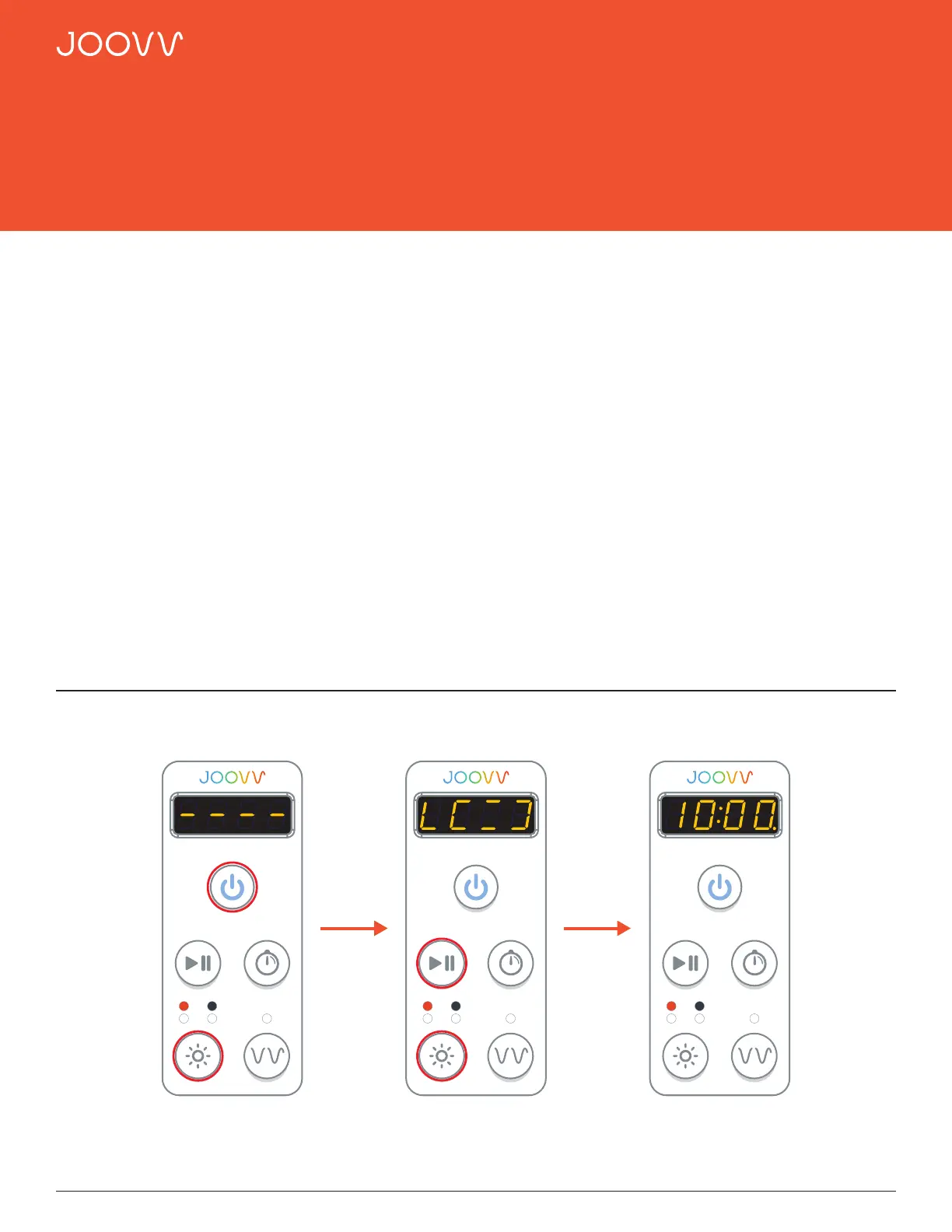
Step 1
After applying power to the device using the main AC
power cord, reset device to Factory Mode by pressing
the Power and Light Mode buttons together for 4
seconds.
Step 2
Press and hold the Play/Pause and Light Mode buttons
for 3 seconds. The Control Panel will display the Lead
Mode message and then display the session time of
10:00.
Step 3
The device is now ready to start a session. To customize
your session settings refer to the User Manual.
Cleared Message Lead Message Device Ready
Step 1
Hold for 4 seconds
Step 2
Hold for 3 seconds
Step 3


 To Next Page