Ausgabe 18.01.2017 Copyright by Joy-IT 19
3
Arcade-GameStaon
4.3 Emulator setup
Control of the MAME4ALL[Arcade]-Emulator
Most emulators are using the menoned „libretro“ controller-layout.
But the Mame4ALL Arcade-Emulator is using an own controller-layout.
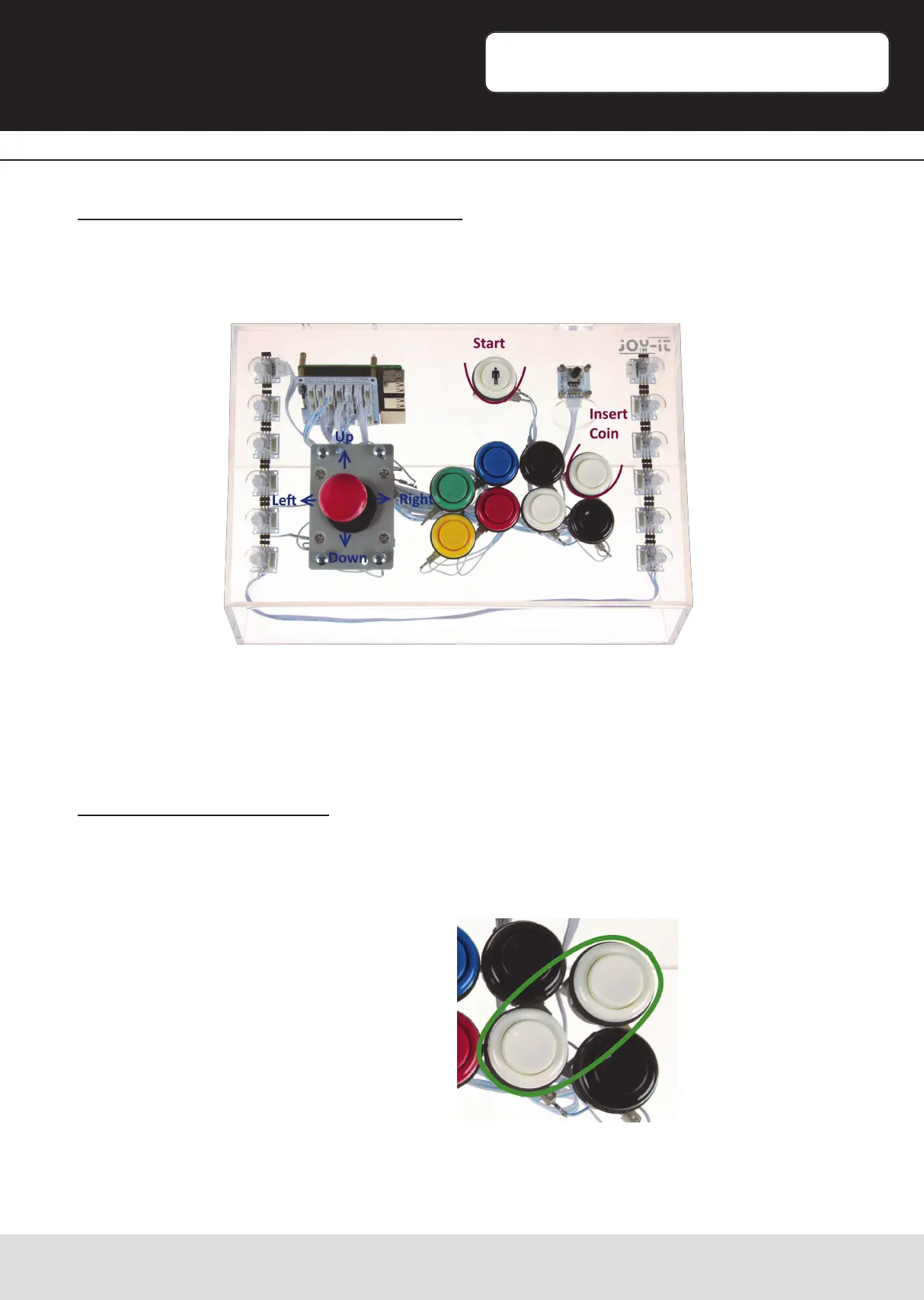
As usual for slot-machines, before playing the game, a coin is needed to be inserted.
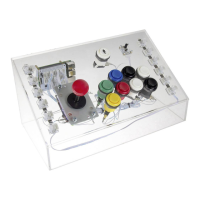
By pressing the upper right white buon, you can insert a virtual coin.
Aer inserng a coin, you can start the game with the start-buon..
Exit the Mame4ALL Emulator
You can not exit a Mame4ALL-Game with the usual „Exit Hotkey“ combinaon.
Press both white buons simultaneously to exit this emulator.


 To Next Page