Ausgabe 18.01.2017 Copyright by Joy-IT 5
3
Arcade-GameStaon
2. Start-up
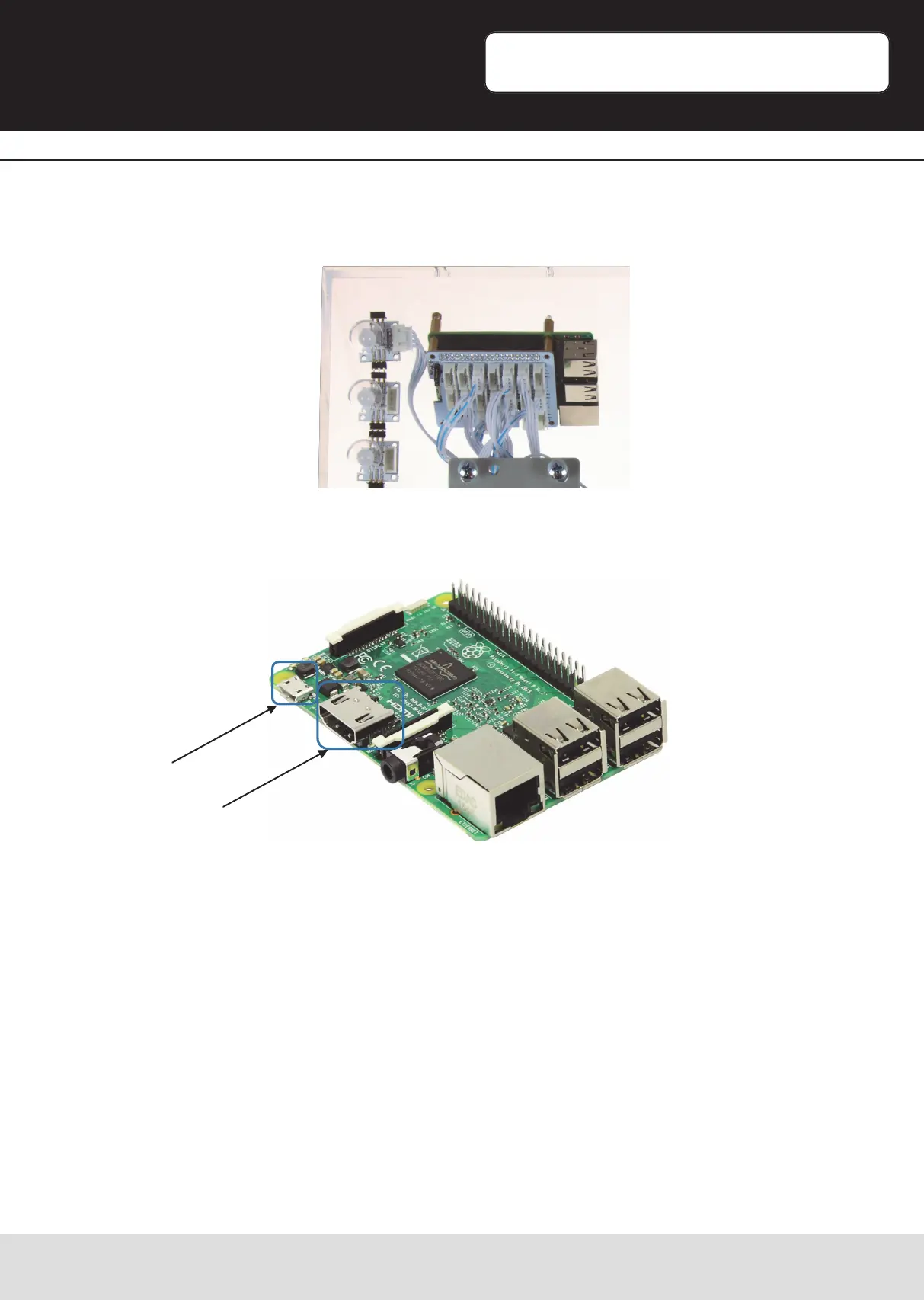
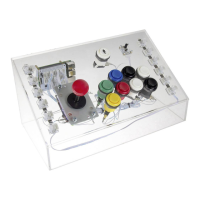
The Joy-IT Arcade-Gamestaon contains the Raspberry Pi 3 as a computer unit.
This device is visible on the back-plate in the upper le.
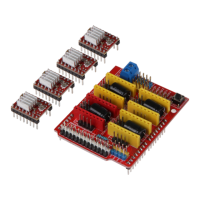
To acvate the Arcade-Gamestaon, you have to connect the accompanied mUSB
power-adapter and the HDMI-Cable on the marked connecons.
Connect the other side of the HDMI-Cable to a monitor or TV with a HDMI-Input.
Aer connecng the power-adapter to the electric socket, the devices is starng
automacally.
For cable lead-through, please nd the opening on the backplate of the arcrylic wall.
How to boot or shut down the device is described in the part: Arcade-Gamestaon
Boot/Shut down [Page14]
mUSB
HDMI-Output


 To Next Page