sudo bash
3. USAGE WITH RASPBERRY PI
3.1 Connection
For the Raspberry Pi, we use a USB to TTL module. In our application exa-
mple, we use our SBC-TTLitem for this.
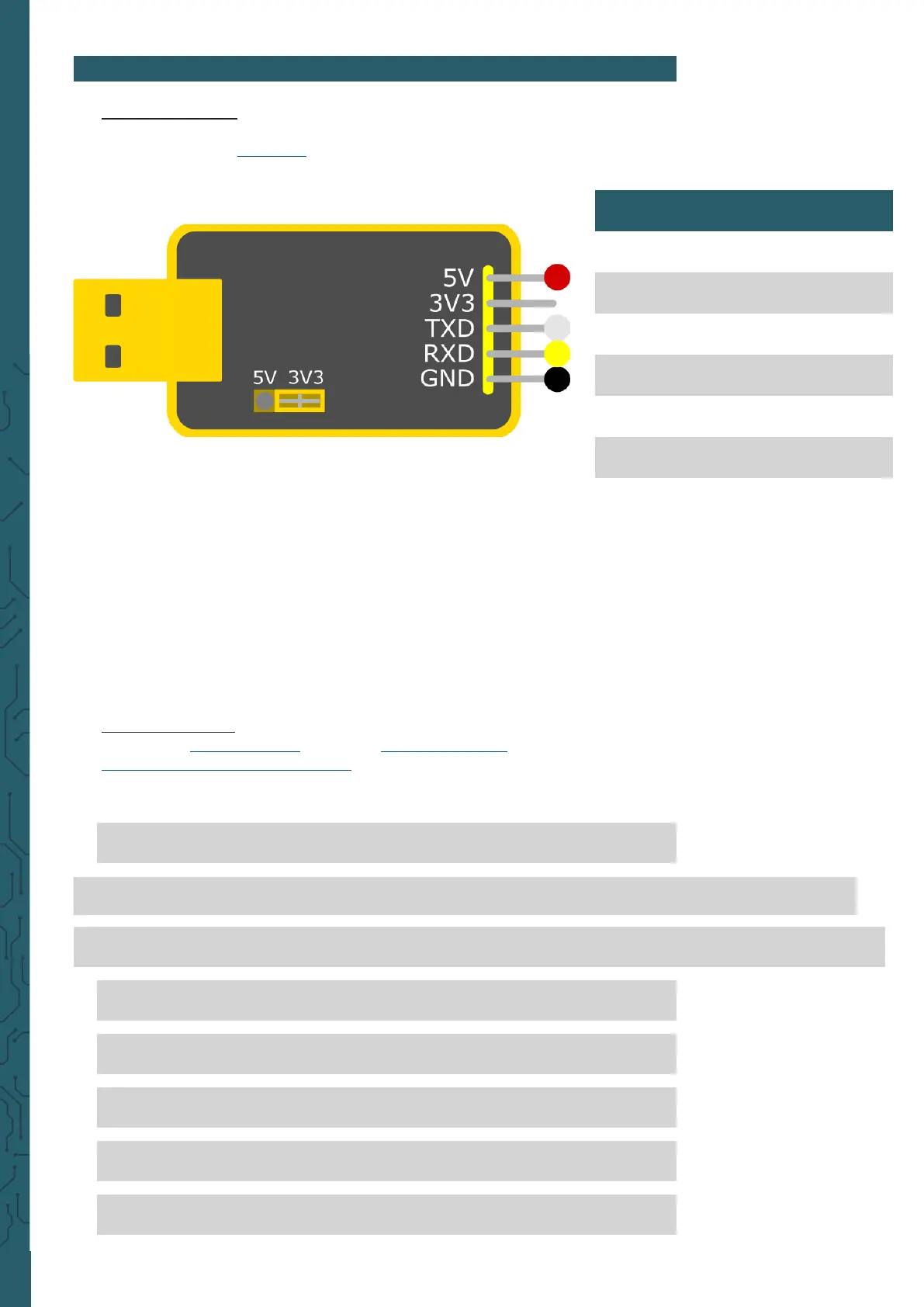
Therefore, we connect the fingerprint sensor to the adapter as shown be-
low..
Make sure that the jumper is set to 3.3 V, since the fingerprint sensor
has a logic level of 3.3 V.
Now connect the SBC-TTL to one of your Raspberry Pi's USB ports.
The pin Touch is an output pin, which sends a signal, if a finger has been
placed on the sensor. The sensor can be operated with the 3.3 V pin, but
is then only able to detect whether a finger has been placed on it via the
touch pin and cannot read the fingerprint.
3.2 Installation
We use the pyfingerprint library by bastianraschke, released under the
German Free Soware License
, to control the fingerprint sensor. To
install the library and all its dependencies, run the following commands:
wget -O - https://apt.pm-codeworks.de/pm-codeworks.de.gpg | apt-key add -
wget https://apt.pm-codeworks.de/pm-codeworks.list -P /etc/apt/sources.list.d/
apt-get update
apt-get install python3-fingerprint --yes
apt-get -f install
exit
sudo stty -F /dev/ttyAMA0 57600
Fingerprint sensor SBC-TTL
5 V (Red) 5 V
GND (Black) GND
TXD (Yellow) RXD
RXD (White) TXD
Touch (Green) -
3,3 V (Blue) -



 To Next Page