JoyLite
Installation
Before using app to add your camera ,please
connect your camera’s hardware .
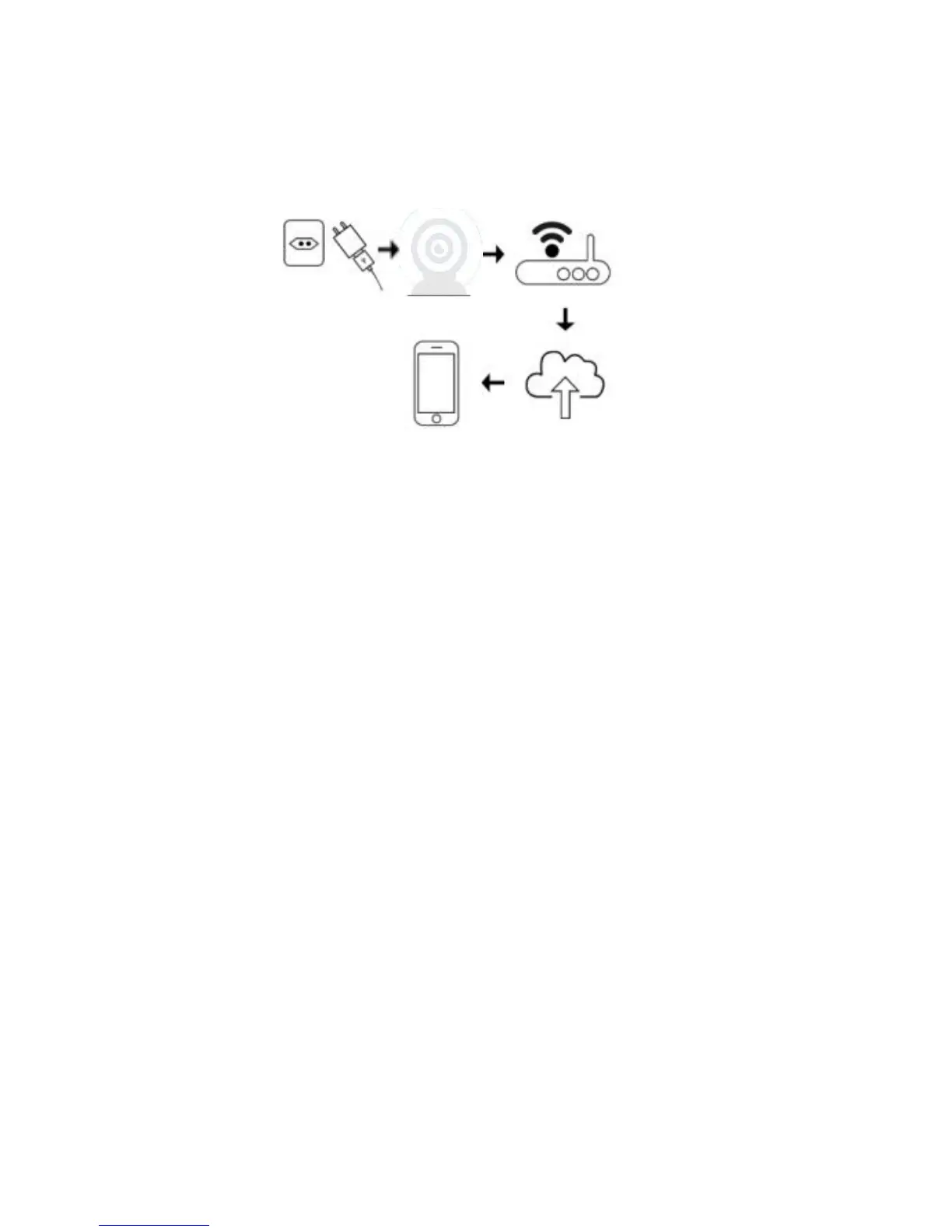
1、Connect the power adaptor to your camera and plug it
into the power outlet.
2、Connect your camera to your router’s Ethernet LAN
port using an Ethernet cable or using Wi - Fi .
3、Please let the phone and the camera connected to the
same wifi during the bind process.(5Ghz currently not
supported).



 To Next Page