4
DRIVING YOUR MAGIC SERIES
1) Switch ‘ON’ the transmitter. Check that the transmitter’s red LED glows brightly.
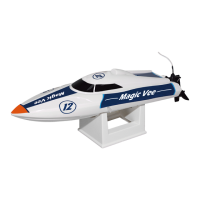
2) Check that the Magic Vee’s turn fins are adjusted correctly.
3) Switch ‘ON’ the Magic Series’s (connect the 6.4V Power Pack).
4) Check that the propeller and the rudder respond to transmitter inputs before placing the Magic Series on the
water.
AFTER USE
1) When you have finished using your Magic Series, you should first switch ‘OFF’ the model (disconnect the 6.4V
Power Pack), then switch ‘OFF’ your transmitter.
2) Remove all batteries from the transmitter and model.
3) Leave the Magic Series’s upper deck off to allow moisture to evaporate. Ideally, place the model in this way in a
warm and dry place, like an airing cupboard, until you are sure it is dry and then
store it away.
NOTE: If the Magic Series begins to bob when running, it may have taken on an excessive amount of water. In
this case, you should immediately return to shore, remove the upper deck and drain the water from the hull.
IF THE MAGIC SERIES DO NOT RUN IN A STRAIGHT LINE
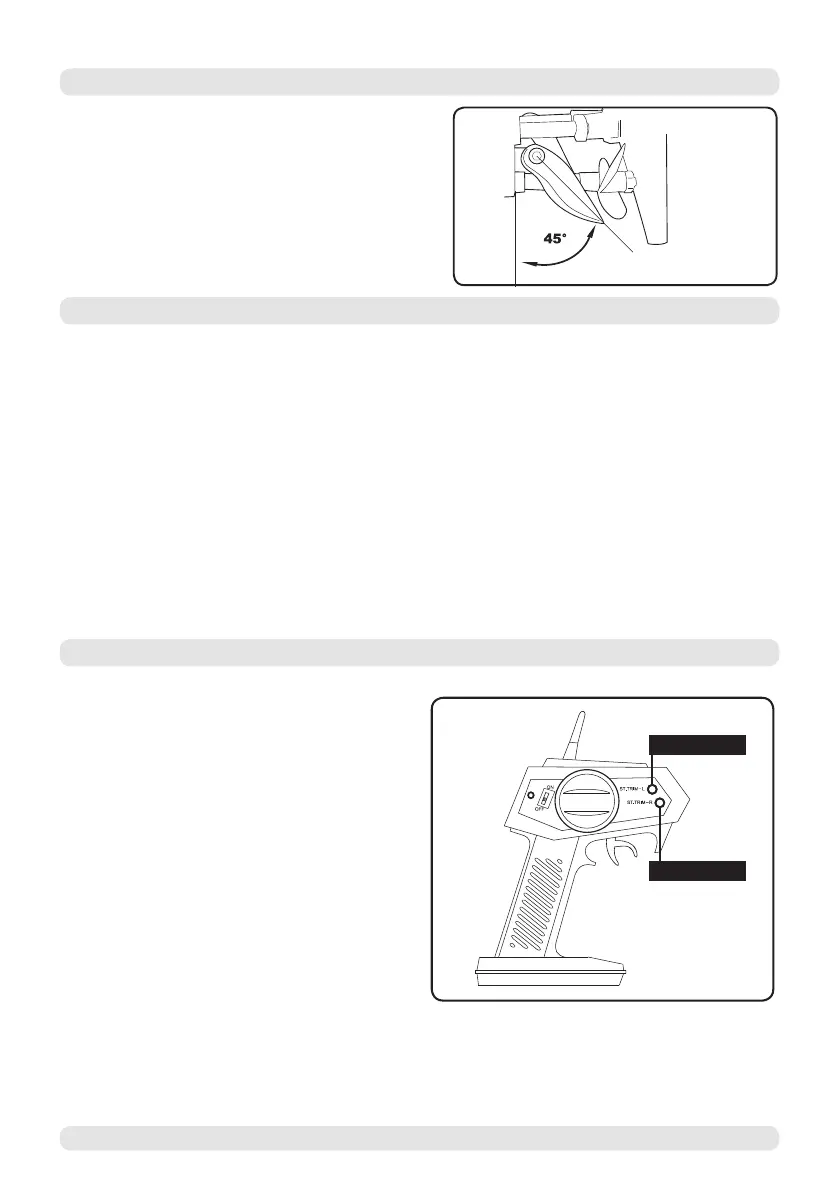
TURN FINS
The Magic Vee features adjustable turn fins
to aid in turning. These can be adjusted using
the included Allen key. The optimum angle of
adjustment is 45 degrees to the hull.
Magic Vee V5/Cat V5 RTR Micro EP Speed Boat
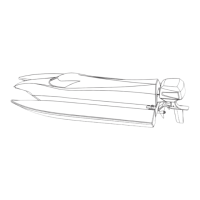
ST.TRIM-L
ST.TRIM-R
If your Magic Series do not run in a
straight line when not being steered, you can adjust
it by using the steering trim located on the upper
right hand side of the transmitter.
1) Run your Magic Series on calm water
when adjusting the steering. If your model runs
to the right when not being steered, press the
“ST.TRIM-L” button. Re-center the model and
see if this has corrected the problem. Keep
making small adjustments in this way until the
model runs stright.
Press the “ST.TRIM-R” button to correct if your
model steers to the left without being steered
in the same way as detailed above.


 To Next Page