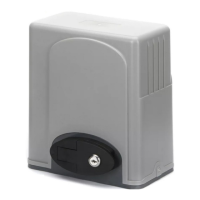
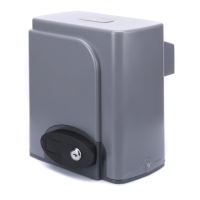
SL600AC SLIDING GATE OPERATOR
2
access to it.
z Be careful when in close proximity to moving parts where hands
or fingers could be pinched.
z Do not allow control devices to be placed so that a person can
access them by reaching through the gate.
z In the event of power failure, an emergency release key allows
you to operate the gate manually.
z The operator should be switched off before repairing it or
opening its cover.
z Please erase and reprogram the transmitter code after installing
the operator.
Make sure the Power supply (AC220V or AC110V) of the gate
operator is suitable for the power supply in your area.
3. Main technical parameters
Type SL600AC SL600ACU
Power supply 220V, 50Hz 110V, 60Hz
Motor speed 55rpm 66rpm
Rated output power of motor 180W
Remote control operating
distance
30m (Frequency:433.92mHz)
Remote control mode Single button
Output shaft height 48.5mm
SL600AC SLIDING GATE OPERATOR
3
Max. gate weight 600Kg
Output torque 14N·m
Limit switch Magnetic limit switch
Noise ≤56dB
Duty cycle S2, 15 minutes
extra remote control 20
Environmental temperature -20°C~+50°C
Gate Move speed 12m/min 14m/min
4. Mechanical Installation
The SL600AC will handle gate weighting up to 600kg and up to
8m/12m if the proper installation procedures have been followed.
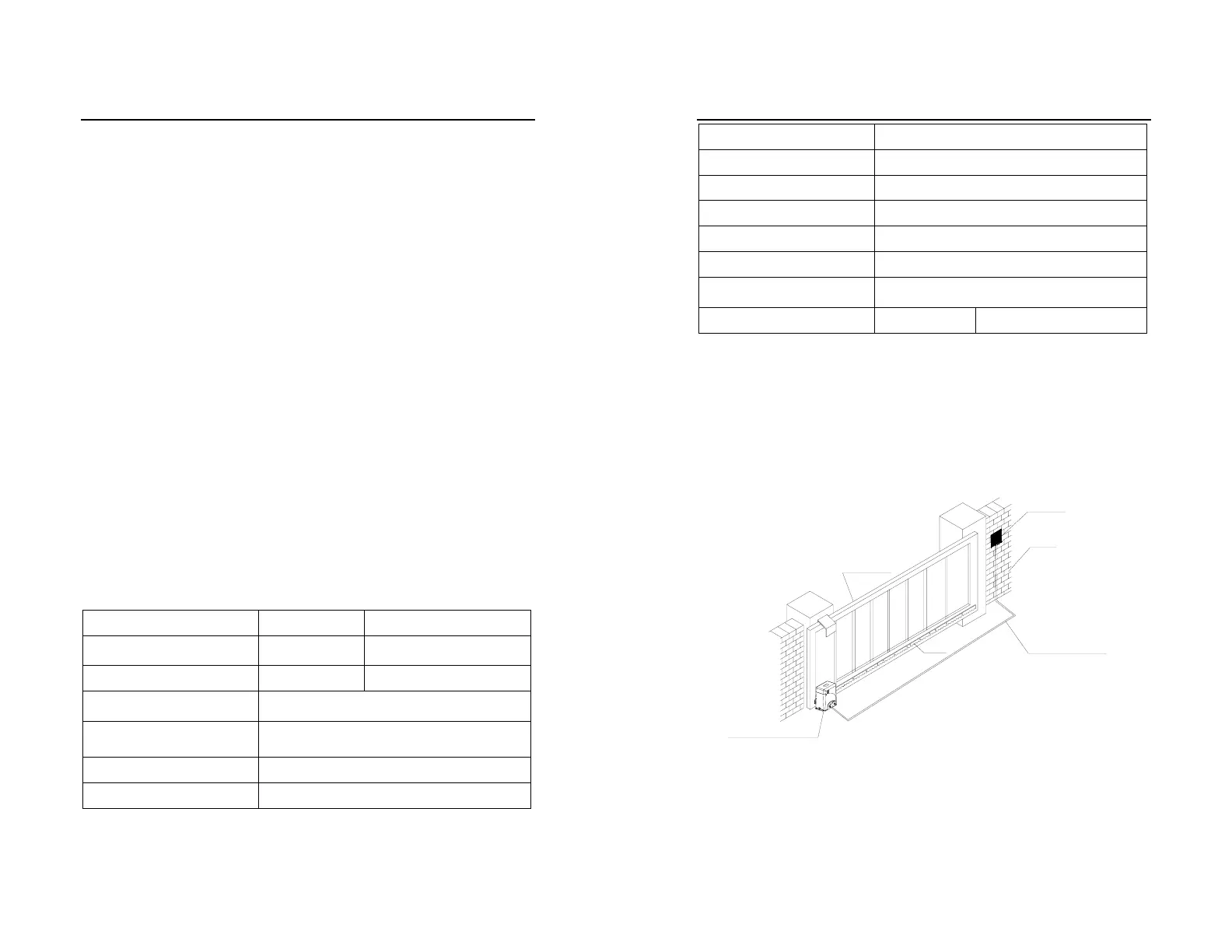
The SL600AC gate operator operates by forcing a drive rack by a
drive gear. The entire configuration is shown in the diagram below.
The gate operator must be installed on the inside of the gate.
Sliding gate
Wall
Switch
Gate operator
Input power
Rack
Fig.1


 To Next Page