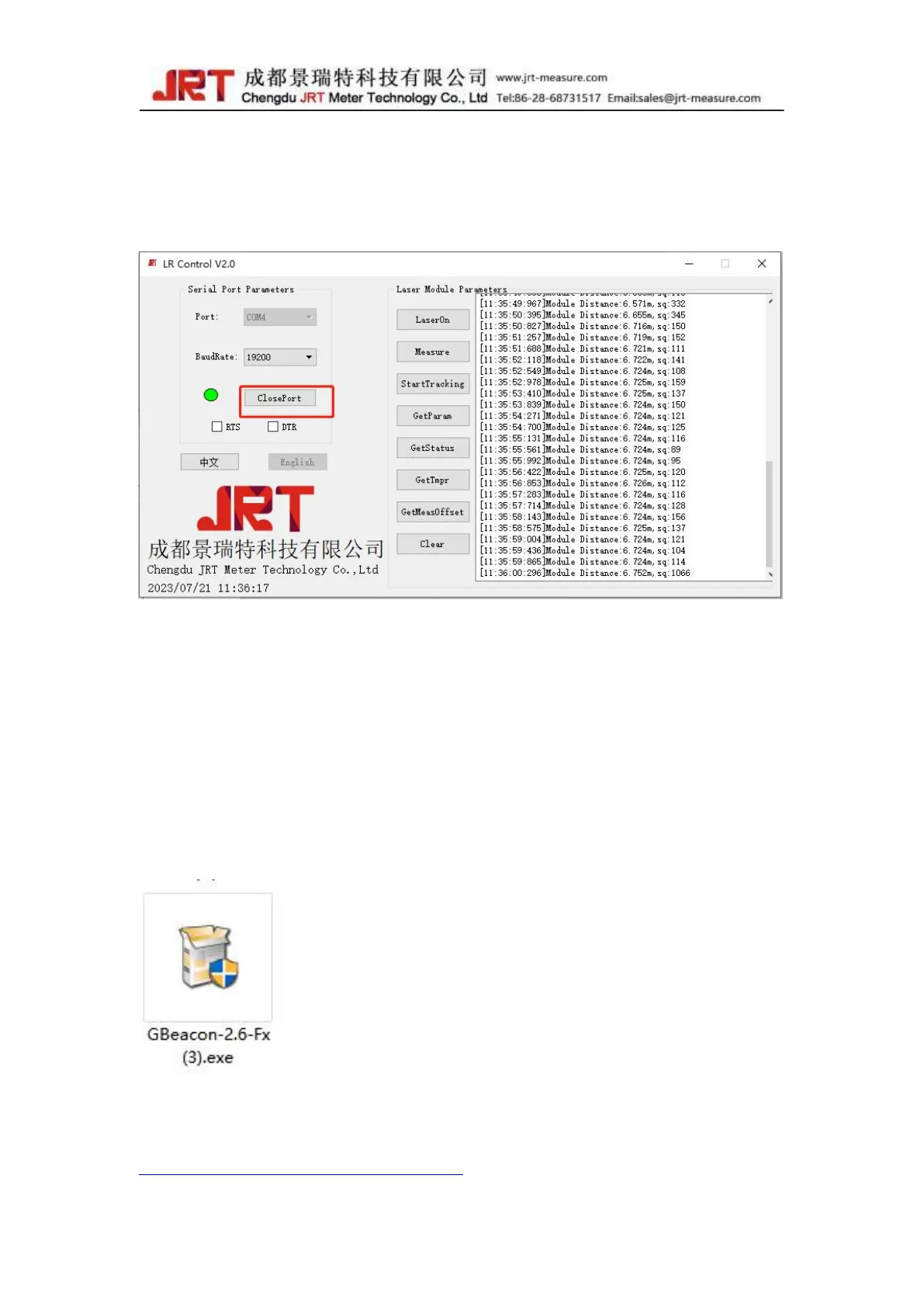
6. After the test, click to Close Port, and then power off the module
Testing application: Geshe Beacon;
1. Connect the module through the USB
2. Install the Geshe Beacon:
If you do not have the installation package, you can download it through the following
website:
http://www.geshe.com/en/support/download



 To Next Page