7
B. Basic Function
The basic function of the DVR is to record (REC) and play (PLAY).
[NOTE] This chapter describes the BASIC DVR functions like recording, playing, fast
forwarding, reverse, etc. For more detailed descriptions on the DVR menu,
please refer to the “Section C. DVR Menu” of this chapter.
i. Record (REC)
1. Start Recording
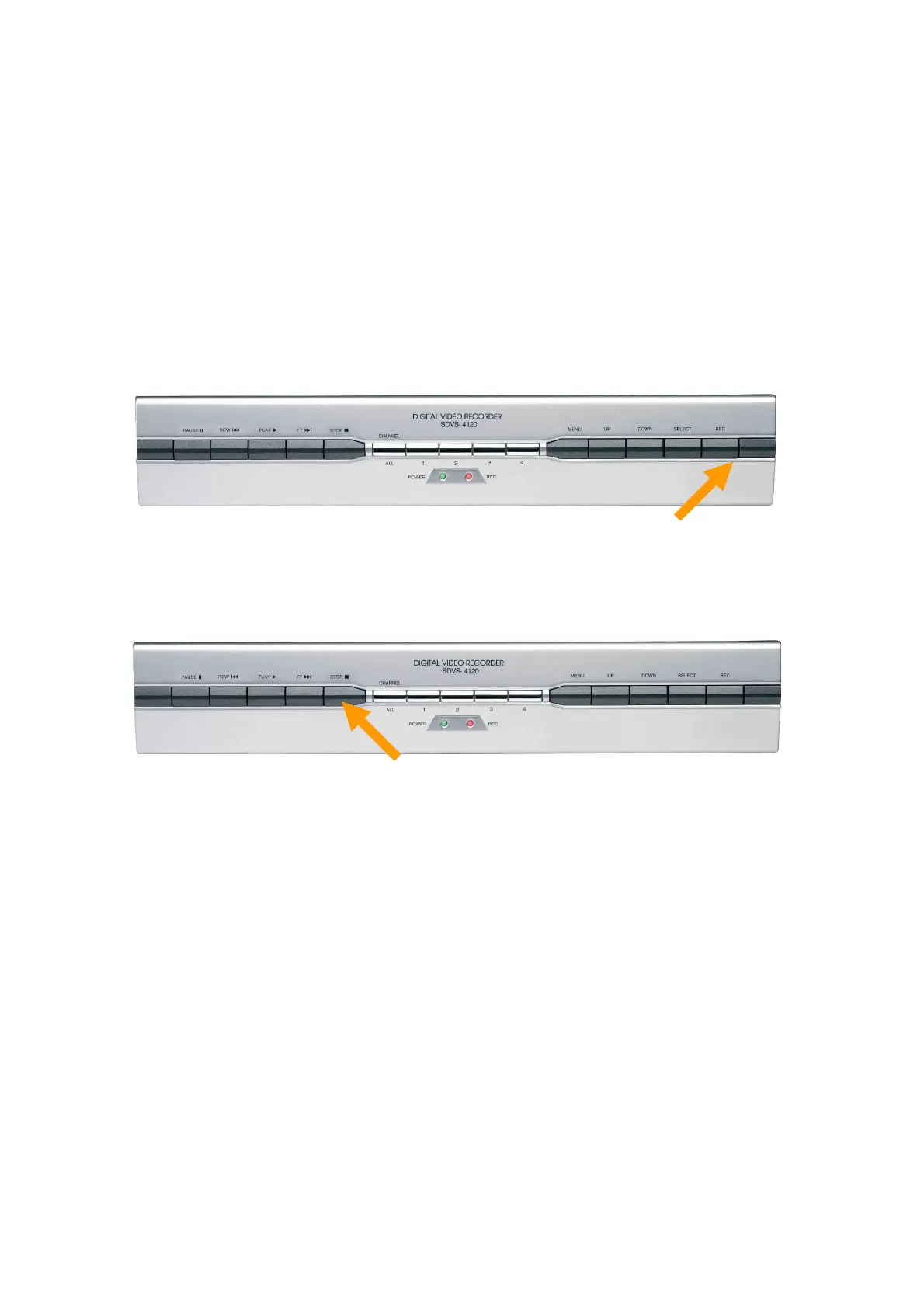
Press “REC” button on the DVR front panel.
Then, you will see this mark ‘n’ on the selected channel/s of the screen, which means the
channel is now recording .
2. Stop Recording
Press stop, ‘n’, button.
Then, the ‘n’ mark will disappear.


 To Next Page
 Loading...