SMART VISU SERVER + SONOS 8
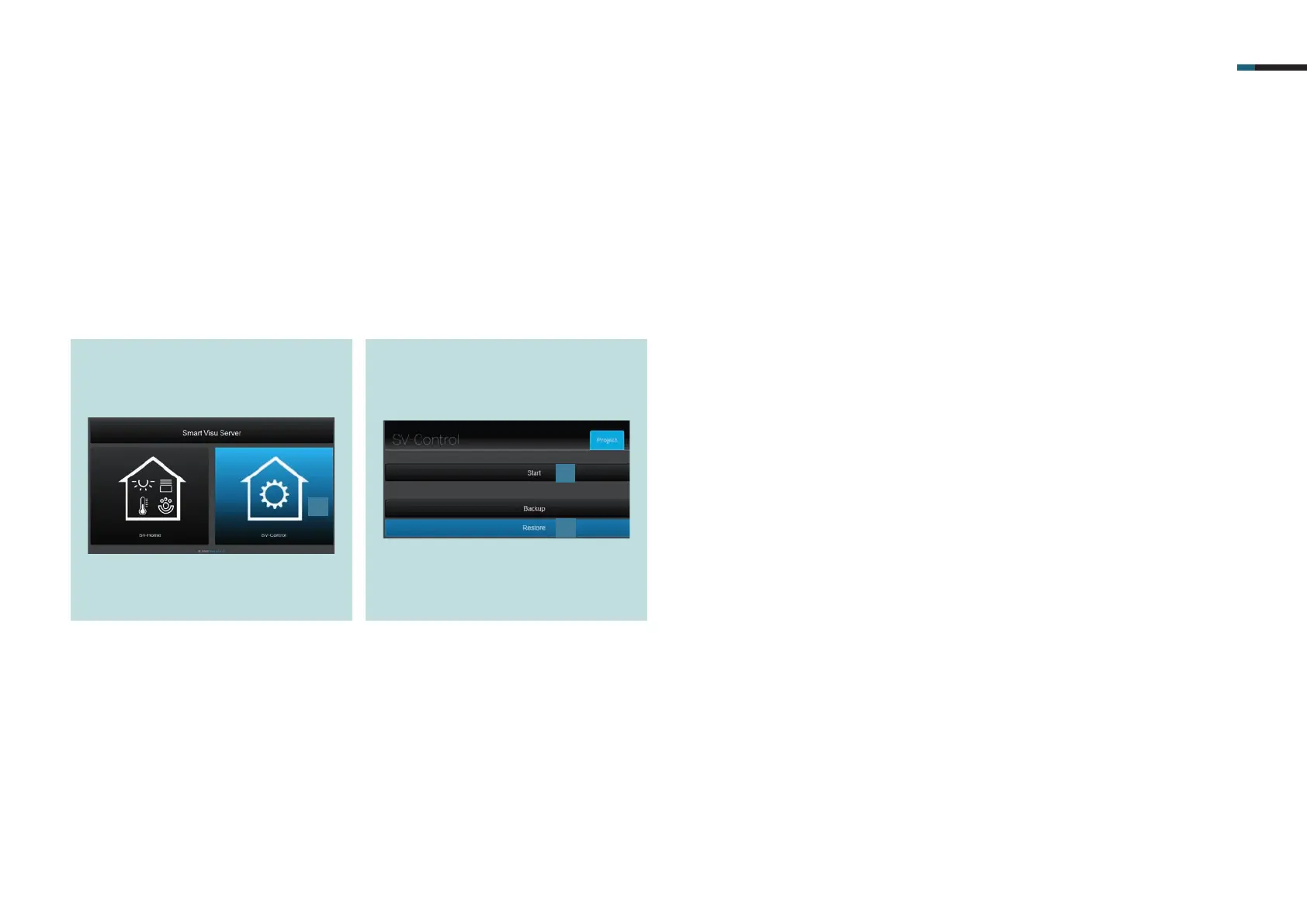
. Select the SV-Control button [].
5. SV-Server commissioning
Integrate the Smart Visu (SV) Server in your home network.
Call the SV-Server via the web browser of your terminal device (PC, laptop, tablet).
To do so, enter the address http://sv-server.local or the IP address of the SV-Server allocated by the router in the web browser.
If the SV-Server is protected by a password, enter this.
. Create a new project with Start [] or
import an existing one with Restore
[] and navigate to the KNX tab.
1
2
3



 To Next Page