SMART VISU SERVER – SMART SPEAKER 6
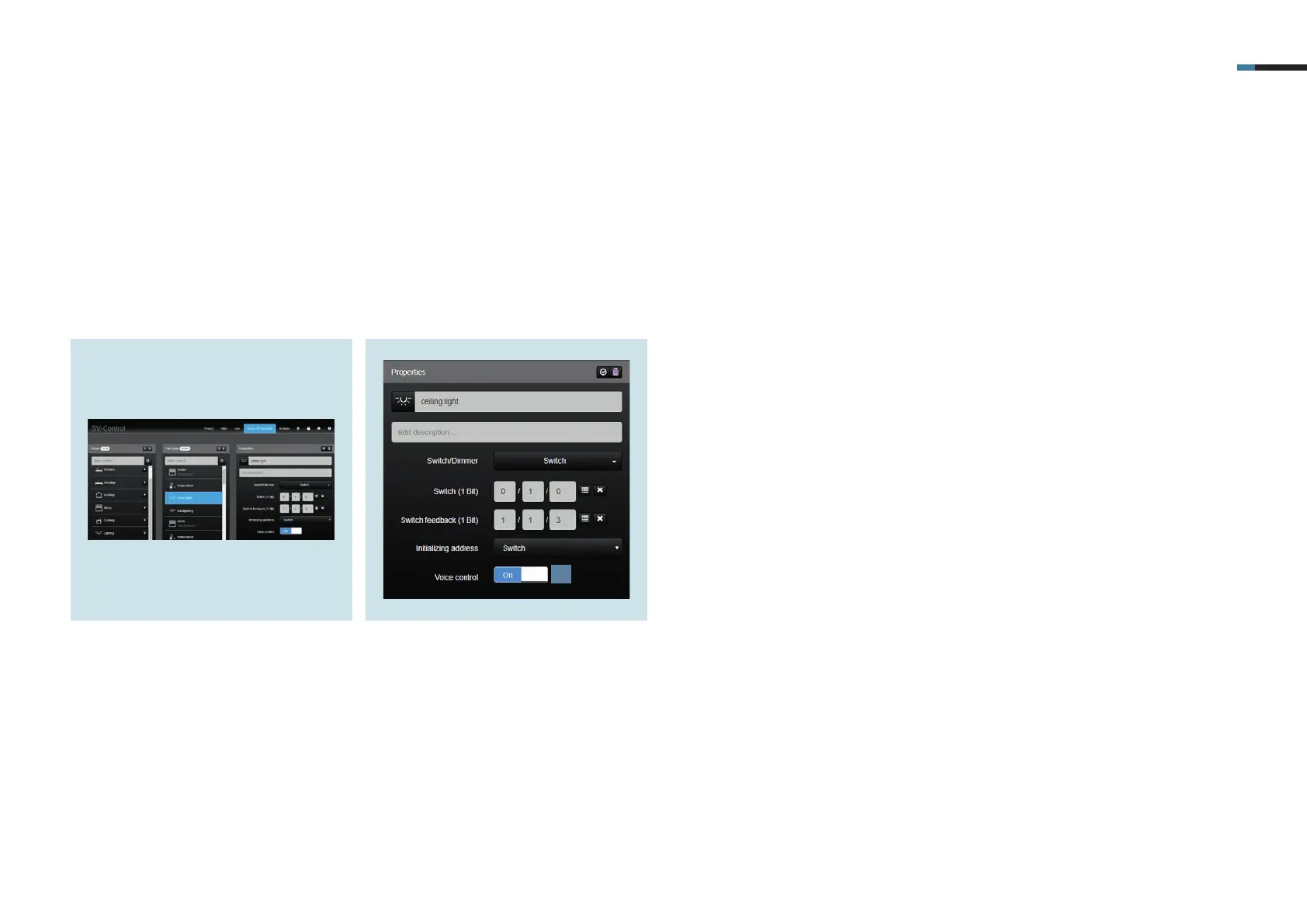
1. On the Areas & Functions tab, select
the function that should be operated
by voice control.
5. Activation of the voice control
Navigate in SV-Control to Areas & Functions to activate the voice function.
2. Set the slider of the voice control [1] to
"On".
1



 To Next Page