Suspend, Reset, Power O, and Restore the Mesa
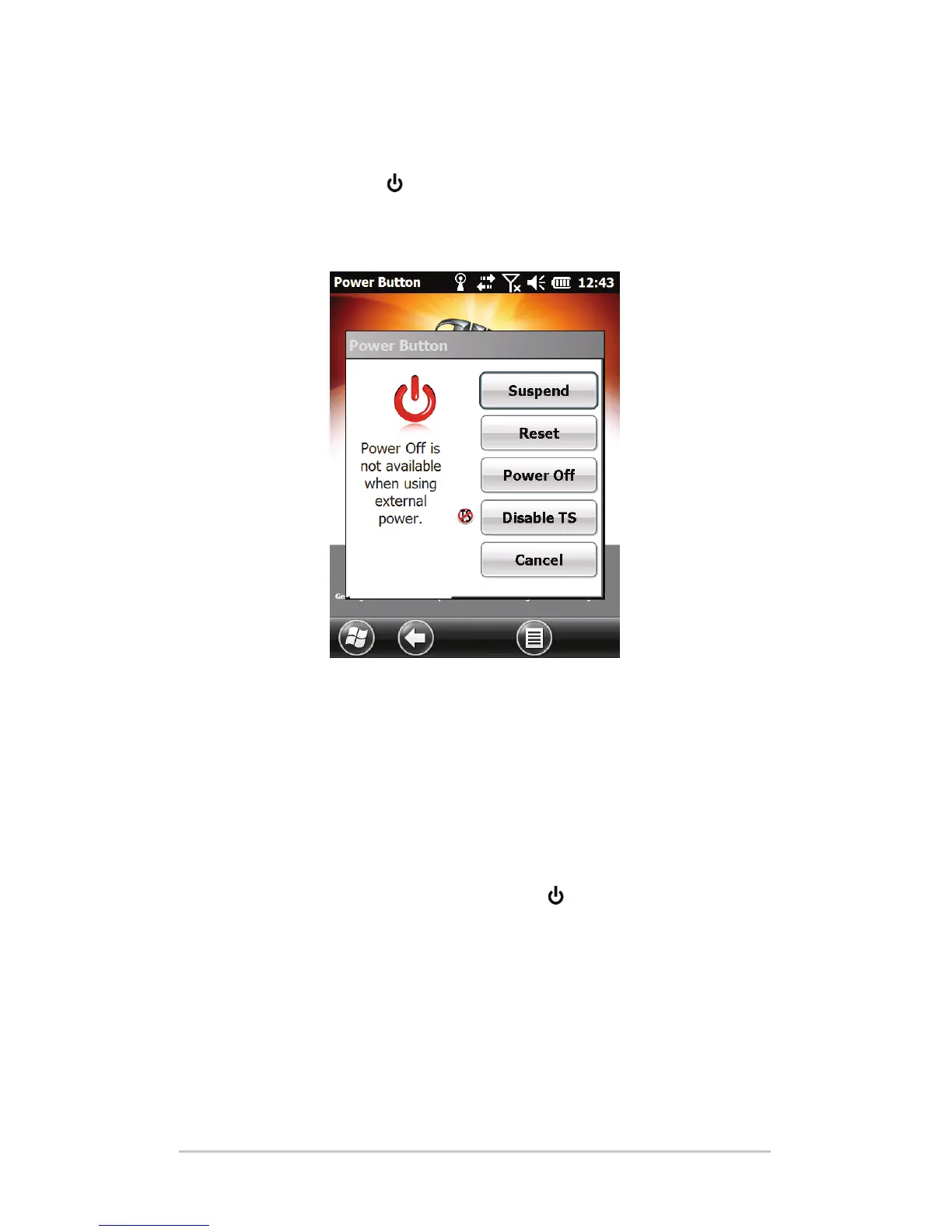
Use the power buon and the power menu to suspend,
reset, power o or restore the Mesa. To access the Power Buon
menu, press and hold the power buon.
Suspending and Resuming the Mesa
We recommend suspending your Mesa if you plan to turn it
o for less than two weeks. While it is suspended, you should
aach it to a wall charger when it is not in use.
Suspending the Mesa is dierent from powering it o. When
the device is suspended it goes into a very low power mode.
Some baery power is used during suspend.
1. Press and release the power buon
. The backlight shuts
o and the green LED turns on. It can take several seconds
to fully suspend, especially when the cell modem is on. The
green LED turns o when suspend is complete.
2. To resume the device from suspend mode, press and
release the power buon again. When it is resumed, the
Mesa resumes where it was before it was suspended.
Ch 3 Programs and Settings 37



 To Next Page