6 Mesa Barcode Scanner Owner’s Manual
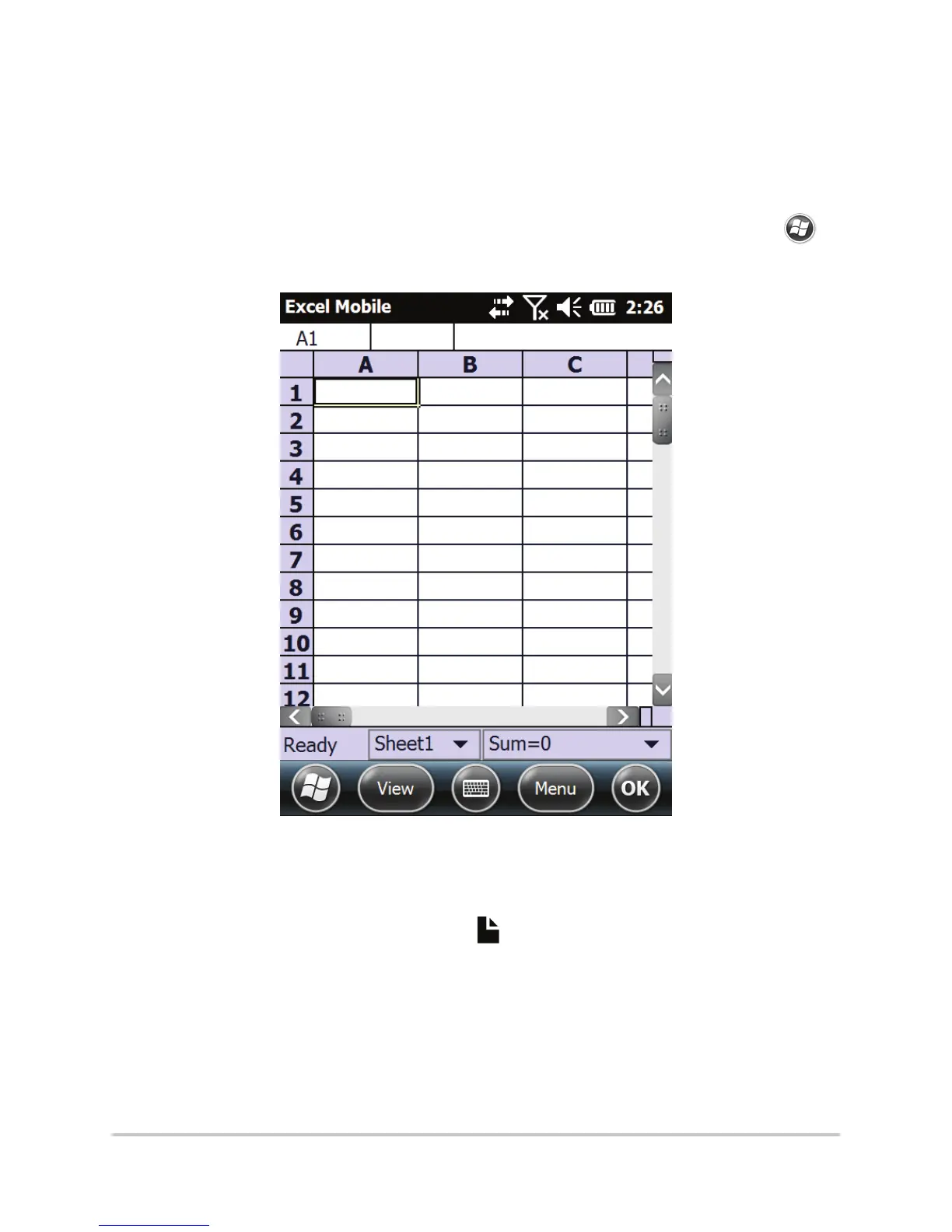
(shown below), Microsoft
®
Word Mobile, and
Notes are provided on the Mesa.
Note: If the application you want isn’t shown on
the Home screen, tap the Windows soft key
to view and select an application.
6. Put the cursor where you want the barcode
data to be placed.
7. Press the notes button
to begin scanning.
Using the red crosshairs, aim the scanner at the
barcode you are scanning.



 To Next Page