Chapter 1 Overview
2 User’s Guide
7+()52173$1(/
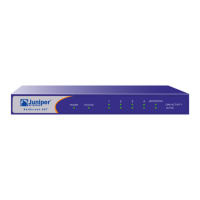
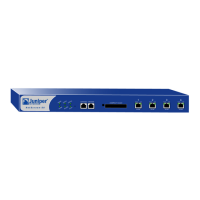
The front panel of the NetScreen-50 device has the following:
• Power and status LEDs.
• Asset Recovery pinhole, for resetting the device to the original factory default
settings.
• A Console port, for connecting to serial terminal emulation programs such as
HyperTerminal.
• A modem port.
• A Compact Flash card slot, for storage of system images, configuration files,
keys, and logs.
• Four Ethernet ports, for connecting the NetScreen-50 device to your LAN or
local workstations and to the Internet.
3RZHUDQG6WDWXV/('V
The LEDs display up-to-date information about critical NetScreen-50 functions.
Power and Status LEDs
Console Modem
Compact Flash Slot Ethernet Ports
Asset Recovery Pinhole
Power LED
Alarm LED
HA LED
Flash LED
Status LED
Session LED


 To Next Page