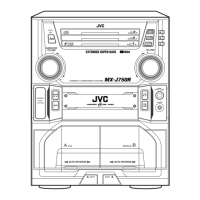
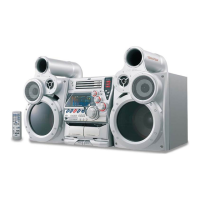
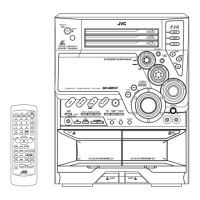
– 5 –
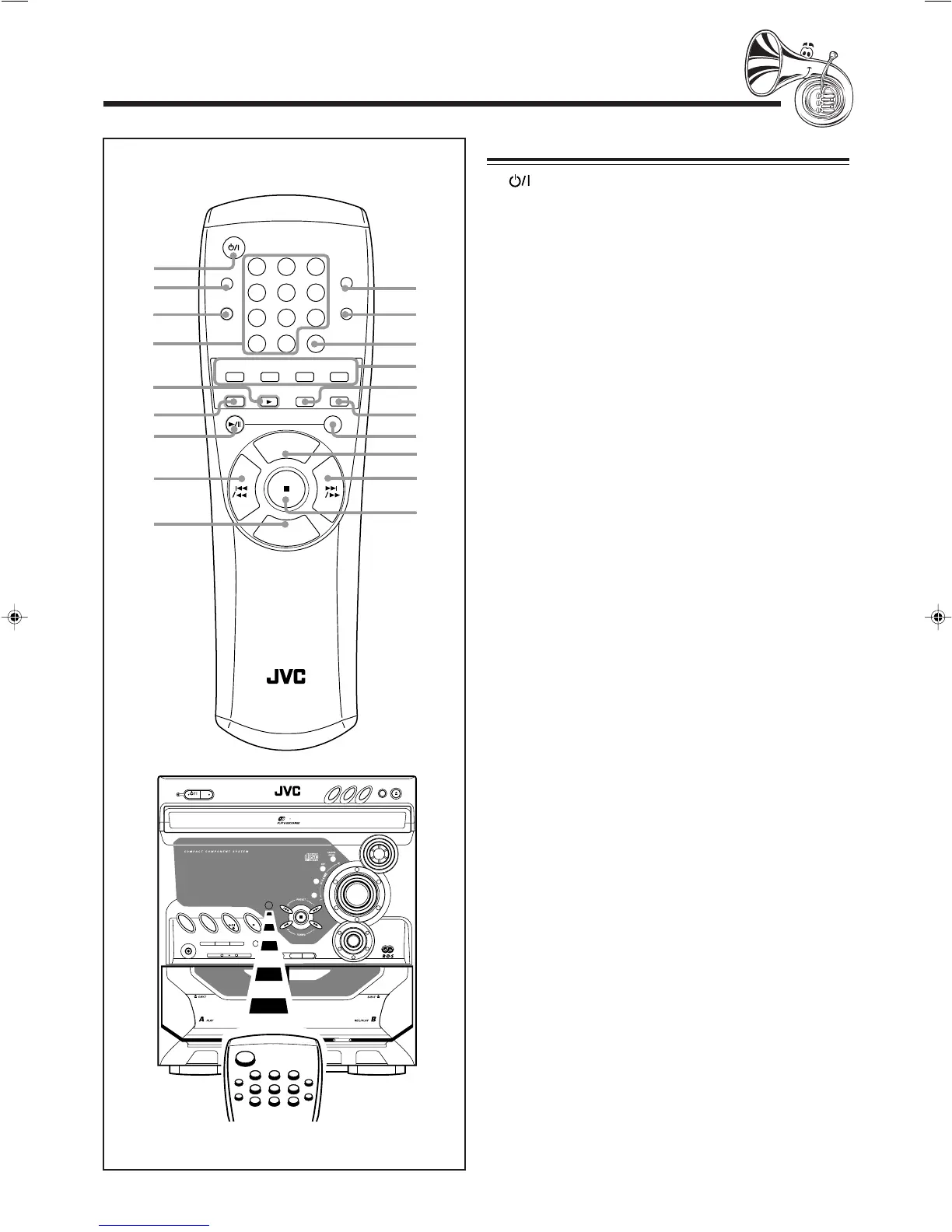
Remote Control
Remote Control
1 STANDBY/ON button (9)
2 SLEEP button (23)
3 AUX button (9)
Pressing this button also turns on the unit.
4 Number buttons (11, 15)
5 TAPE 3 button (9, 18)
Pressing this button also turns on the unit.
6 FM/AM button (9, 11)
Pressing this button also turns on the unit.
7 CD 6 button (9, 14 – 16)
Pressing this button also turns on the unit.
8 4/1 (reverse search/fast rewind) button
(11, 15, 18)
9 VOLUME – button (10)
p ACTIVE BASS EX. LEVEL button (10)
q SOUND MODE button (10)
w FM MODE button (11)
e RDS operation buttons (12, 13)
• DISPLAY MODE, PTY/EON, and SELECT +/–
buttons
r TAPE A/B button (18)
t FADE MUTING button (10)
y DISC SKIP button (14, 15)
u VOLUME + button (10)
i ¢/¡ (forward search/fast forward) button (11, 15, 18)
o 7 (stop) button (14 – 20)
When using the remote control, point it at
the remote sensor on the front panel.
DISC
SKIP
VOLUME
VOLUME
+
–
RM–SMXK50R REMOTE CONTROL
STANDBY/ON
12
3
4
5
6
78
9
10
+10
SLEEP
SOUND
MODE
TAPE A/B
DISPLAY
MODE
– SELECT +
FM/AM
AUX
CD
TAPE
ACTIVE BASS
EX. LEVEL
FM MODE
FADE
MUTING
2
1
3
4
5
7
8
9
p
q
w
y
u
i
6
r
e
t
o
PTY/EON
DISC CHANGE
STANDBY/ON
STANDBY
CD-R/RW PLAYBACK
CLOCK
/TIMER
DISPLAY
PHONES
REPEAT
REC START
/STOP
CD REC
START
DUBBING
PROGRAM RANDOM
TAPE BTAPE A
AUX
TAPE
CD
FM
/AM
ACTIVE BASS
EX. LEVEL
SOUND
MODE
MX-K50R
CD 2
CD 3
ACTIVE BASS EXTENSION
CD
3
FULL - LOGIC CONTROL
CD SYNCHRO RECORDING
CD 1
DISPLAY MODE PTY/EON
– SELECT +
PLAY
ECO
01-10.MX-K50R[B].pm6 02.4.12, 4:41 PM5



 To Next Page