EasyManua.ls Logo

JVC CD/DVD Library MC-8200LU - User Manual

JVC CD/DVD Library MC-8200LU
138 pages
Print Icon
To Next Page IconTo Next Page
Loading...
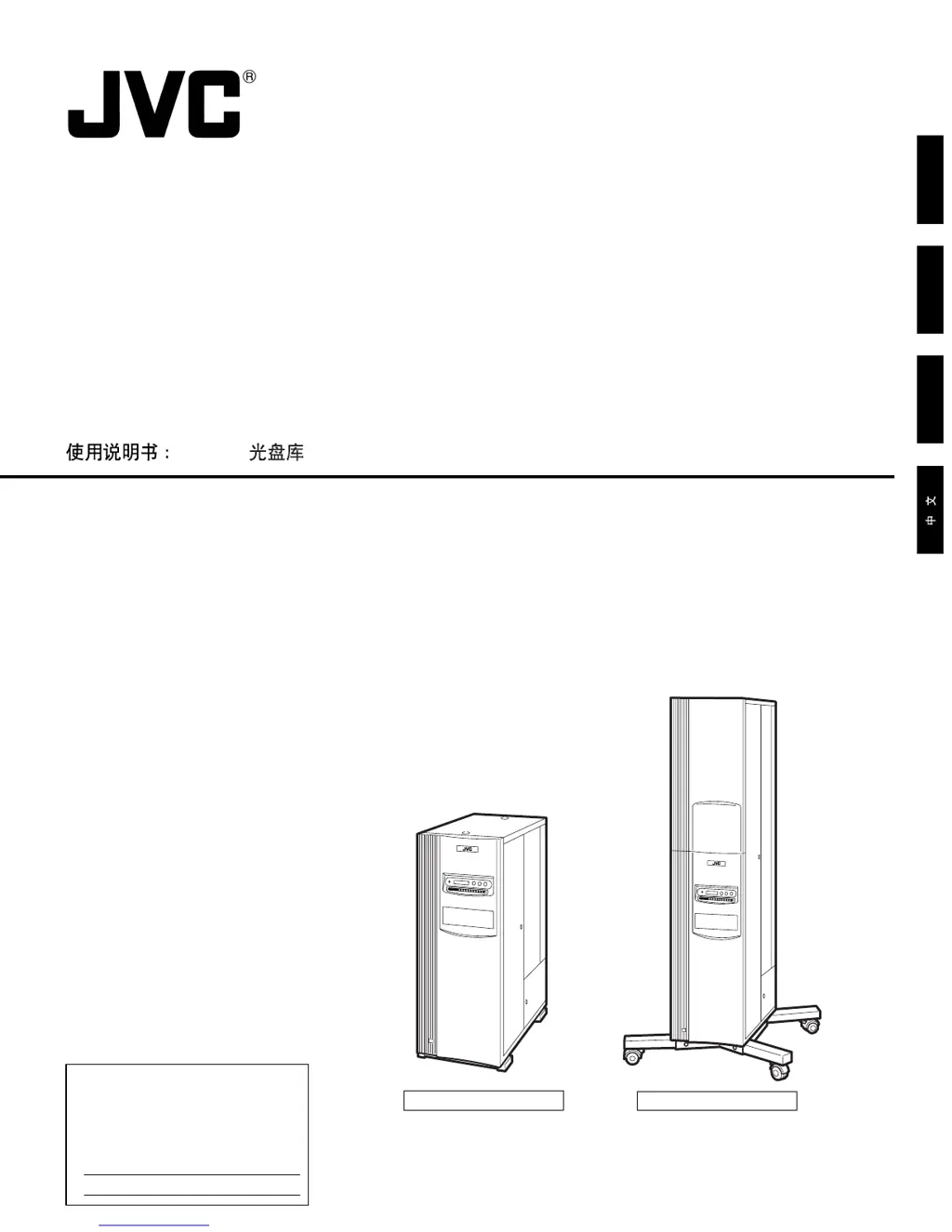
MC-8200LU
MC-8600LU
LST0168-001B
MC-8200LU/MC-8600LU CD/DVD LIBRARY
INSTRUCTIONS
CD/DVD LIBRARY
BEDIENUGSANLEITUNG : CD/DVD BIBLIOTHEK
MANUEL D’INSTRUCTIONS : BIBLIOTHEQUE CD/DVD
Printed in Japan
LST0168-001B
© 2004 Victor Company of Japan, Limited
is a registered Trademark owned by Victor Company of Japan, Limited.
is a registered Trademark in Japan, the U.S.A., the U.K. and many other countries.
ENGLISHDEUTSCHFRANÇAIS
CD/DVD
This instruction book is made from 100% recycled paper.
For Customer Use:
Enter below the Model No. and Serial
No. which is located on the rear of the
cabinet. Retain this information for
future reference.
Serial No.
MC-8200LU / MC-8600LU
Model No.
MC-8600LU
MC-8200LU

Table of Contents

Questions and Answers

  • S
    Stacy MillerJul 30, 2025
    What to do if read/write errors occur with JVC Storage?
    • J
      jamielyonsJul 30, 2025
      If you're encountering read/write errors with your JVC Storage device, it might be due to a dirty or damaged disc. Try cleaning or replacing the disc. Additionally, ensure that the SCSI cable is Ultra 160-compatible; if not, replace it. Also, verify the settings of the SCSI board in your host PC and make sure the cable length is within specified limits. Finally, check that the drive unit control cable is properly connected and reconnect it if necessary.
  • H
    Holly RamirezAug 4, 2025
    Why is JVC Storage not recognized by my computer?
    • C
      Christopher ButlerAug 5, 2025
      If your JVC Storage device's changer or drives aren't being recognized by the host computer, several factors could be at play. If your host PC runs Windows 2000, check the ID No. of the Library. Ensure your SCSI cable is Ultra 160-compatible; if not, replace it. Verify the settings of the SCSI board in the host PC and ensure the cable length is within specific limits. Check and properly reconnect the drive unit SCSI and power cables. Finally, resolve any overlapping SCSI-ID Nos.
  • L
    Laura MillerAug 11, 2025
    What to do if JVC Storage identifies the drive but won't transport the disc?
    • W
      Wendy RuizAug 11, 2025
      If your JVC Storage drive is identified but a disc cannot be transported, the drive unit control cable might be improperly connected. Reconnect the drive unit control cable properly.
  • A
    armstrongalisonAug 16, 2025
    How to fix the initial SCSI device setup failure for JVC Storage?
    • K
      Kelsey HernandezAug 16, 2025
      If you can't complete the initial SCSI device setup using driver software for your JVC Storage, it's possible that the SCSI ID Nos. are conflicting. Resolve this conflict to proceed with the setup.
  • J
    Jerry AlvarezAug 22, 2025
    What does 'UNKNOWN DRIVE TYPE DETECTED' mean on my JVC Storage display?
    • C
      Cheryl MartinAug 23, 2025
      If the LCD display on your JVC Storage shows "UNKNOWN DRIVE TYPE DETECTED", it means the drive detection mode hasn't been executed. Execute the drive detection mode.

Summary

Important Safeguards

General Safety Precautions

Essential safety rules for operating the appliance, including handling, location, and electrical safety.

Disc Handling Precautions

Specific instructions for handling optical discs to prevent damage and ensure optimal performance.

Setup Procedures

Initial Setup and Transport Lock Release

Steps for unpacking, attaching casters, and opening transport locks.

Drive Unit Installation and Configuration

Guides for installing drives, setting SCSI IDs, and connecting cables.

Connecting Power and Cables

Instructions for safely connecting the power cord and external cables.

Mail Slot Operations

Disc Loading and Ejection

Instructions for inserting and removing discs using the mail slot.

Drive Unit Management

SCSI ID Configuration

Magazine Handling

Error Codes and Troubleshooting

Error Code Explanation

Understanding the format and components of error codes displayed by the unit.

Error Code List

A comprehensive list of error codes and their descriptions.

Troubleshooting Common Issues

Guidance on diagnosing and resolving common operational problems.

JVC CD/DVD Library MC-8200LU Specifications

General IconGeneral
BrandJVC
ModelCD/DVD Library MC-8200LU
CategoryStorage
LanguageEnglish