16 ENGLISH
2
] <PRO
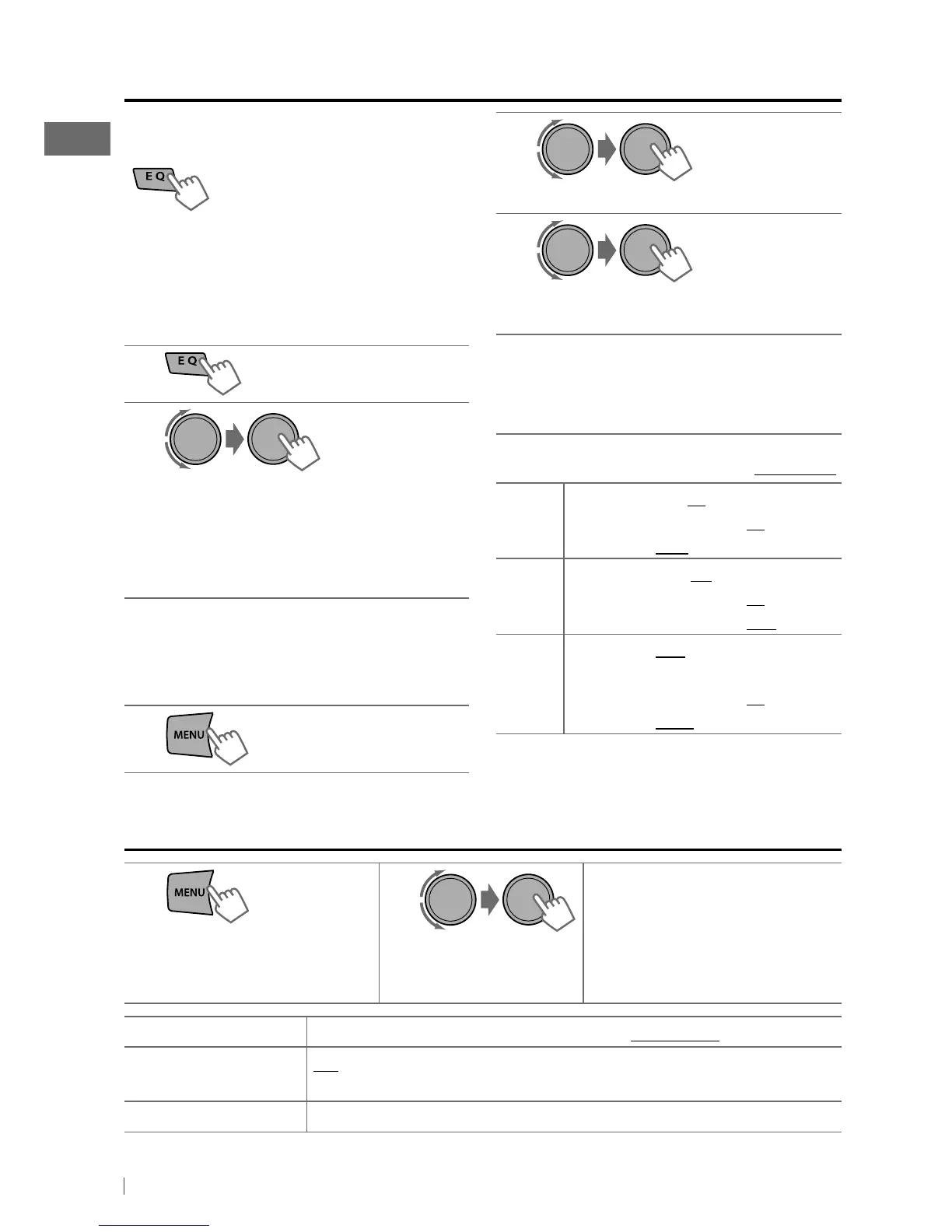
EQ> ] <BASS / MIDDLE / TREBLE>
3
Adjust the sound elements (see table
below) of the selected tone.
4
Repeat steps 2 and 3 to adjust other
tones.
The adjustments made is automatically
stored and changed to “USER.”
[Initial: Underlined ]
BASS Frequency: 60 / 80 / 100 / 200 Hz
Level: –06 to +06 [ 00 ]
Q: Q1.0 / 1.25 / 1.5 / 2.0
MIDDLE
Frequency: 0.5 / 1.0 / 1.5 / 2.5 kHz
Level: –06 to +06 [ 00 ]
Q: Q0.75 / 1.0 / 1.25
TREBLE
Frequency: 10.0 / 12.5 / 15.0 /
17.5 kHz
Level: –06 to +06 [ 00 ]
Q: Q FIX
Menu operations
1
If no operation is done
for about 60 seconds, the
operation will be canceled.
2 3
Repeat step 2 if necessary.
• To return to the previous
menu, press BACK.
• To exit from the menu, press
MENU.
[Hold]
Menu item
Selectable setting, [Initial: Underlined]
DEMO
ON
:
Display demonstration will be activated automatically if no operation is done for
about 20
seconds. /
OFF
:
Cancels. (page 4)
CLOCK
For settings, see page 4.
You can select a preset sound mode suitable
for the music genre.
FLAT
=
NATURAL
=
DYNAMIC
=
VOCAL BOOST
=
BASS BOOST
=
USER
=
(back to the beginning)
While listening, you can adjust the subwoofer
level and tone level of the selected sound
mode.
1
2
Adjust the level:
SUB.W : 00 to 08
BASS / MID / TRE : –06 to +06
The sound mode is automatically stored
and changed to “USER.”
Storing your own sound mode
You can store your own adjustments in
memory.
1
[Hold]
Selecting a preset sound mode
[Hold]
EN02-23_KD-AHD79[J]f.indd 16 11/24/10 3:46:58 PM


 To Next Page