ENGLISH
7
Data Size: B6L (182 mm x 128 mm)
Book Size: B6L (182 mm x 128 mm)
RADIO
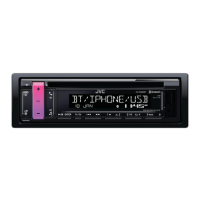
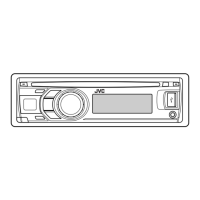
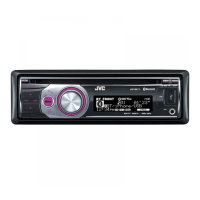
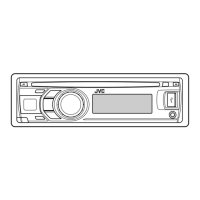
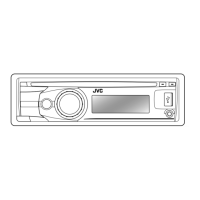
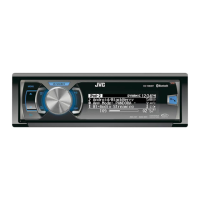
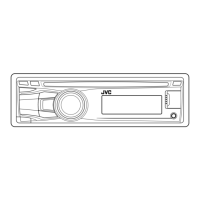
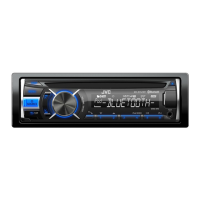
For key layout on the faceplate, see page3 or page4.
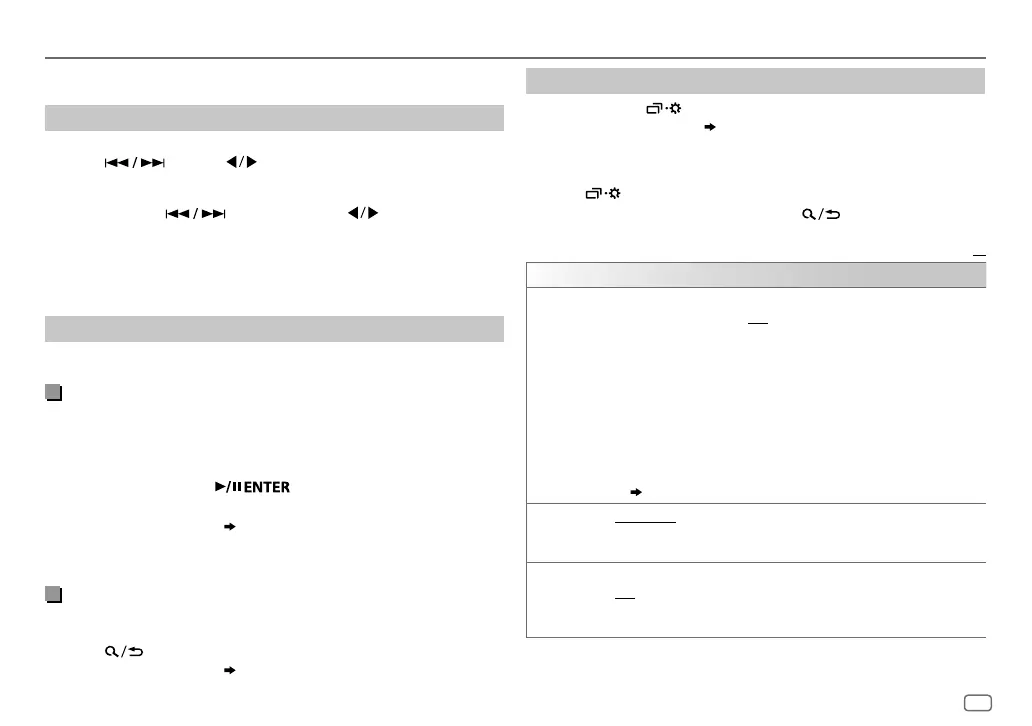
Search for a station
1
Press source button repeatedly to select FM, AM, SW1 or SW2.
2 Press (or press on the remote control) to search for a
station automatically.
(or)
Press and hold (or press and hold on the remote
control) until “M” flashes, then press repeatedly to search for a
station manually.
• “ST” or “STEREO” lights up when receiving an FM stereo broadcast with
sufficient signal strength.
Settings in memory
You can store up to 18 stations for FM and 6 stations for AM/SW1/SW2.
Store a station
While listening to a station....
Press and hold one of the number buttons (1 to 6).
(or)
1 Press and hold the following button until “PRESETMODE” flashes.
KD-R991BT
/
KD-R891BT
:
KD-R792BT
: Volume knob
2 Perform ‘select an item
( 3
or
4)
’ operation to select a preset
number.
The preset number flashes and “MEMORY” appears.
Select a stored station
Press one of the number buttons (1to6).
(or)
1 Press .
2 Perform ‘select an item
( 3
or
4)
’ operation to select a preset
number.
Other settings
1
Press and hold .
2 Perform 'select an item
( 3
or
4)
' operation to select an item
(
see the following table
)
.
3 Repeat step 2 until the desired item is selected/activated or follow
the instructions stated on the selected item.
4 Press to exit.
To return to the previous setting item, press .
Default:
XX
TUNER SETTING
RADIO TIMER
Turns on the radio at a specific time regardless of the current source.
1
ONCE
/
DAILY
/
WEEKLY
/
OFF
:Select how often the timer will be turned
on.
2
FM
/
AM
/
SW1
/
SW2
:Select the band.
3
01
to
18
(for FM)/
01
to
06
(for AM/SW1/SW2):Select the preset station.
4
Set the activation day
*
1
and time.
“
M
” lights up when complete.
Radio Timer will not activate for the following cases.
•
The unit is turned off.
•
[OFF]
is selected for
[AM SRC]
/
[SW1 SRC]
/
[SW2 SRC]
in
[SOURCE SELECT]
after Radio Timer for AM/SW1/SW2 is selected.
( 6)
SSM
SSM 01–06
/
SSM 07–12
/
SSM 13–18
: Automatically presets up to 18
stations for FM. “SSM” stops flashing when the first 6 stations are stored.
Select
SSM 07–12
/
SSM 13–18
to store the following 12 stations.
LOCAL SEEK ON
:Searches only AM/SW1/SW2 stations with good reception.;
OFF
:Cancels.
•
Settings made are applicable only to the selected source/station. Once you
change the source/station, you need to make the settings again.
*
1
Selectable only when
[ONCE]
or
[WEEKLY]
is selected in step
1
.
JS_JVC_KD_R991BT_M_EN_2.indd 7JS_JVC_KD_R991BT_M_EN_2.indd 7 7/24/2017 10:07:14 AM7/24/2017 10:07:14 AM



 To Next Page
 Loading...