(No.YA509)1-21
4.7 ADJUSTMENT PROCEDURE
4.7.1 VIDEO CIRCUIT
Item
Measuring
instrument
Test point Adjustment part Description
COLOUR
DECODER
Remote
control unit
Signal
generator
[1.ADJUST]
1.SC ADJ
(1) Receive a PAL colour bar signal.
(2) Select "1.ADJUST" from the SERVICE MODE.
(3) Select <1.SC ADJ>.
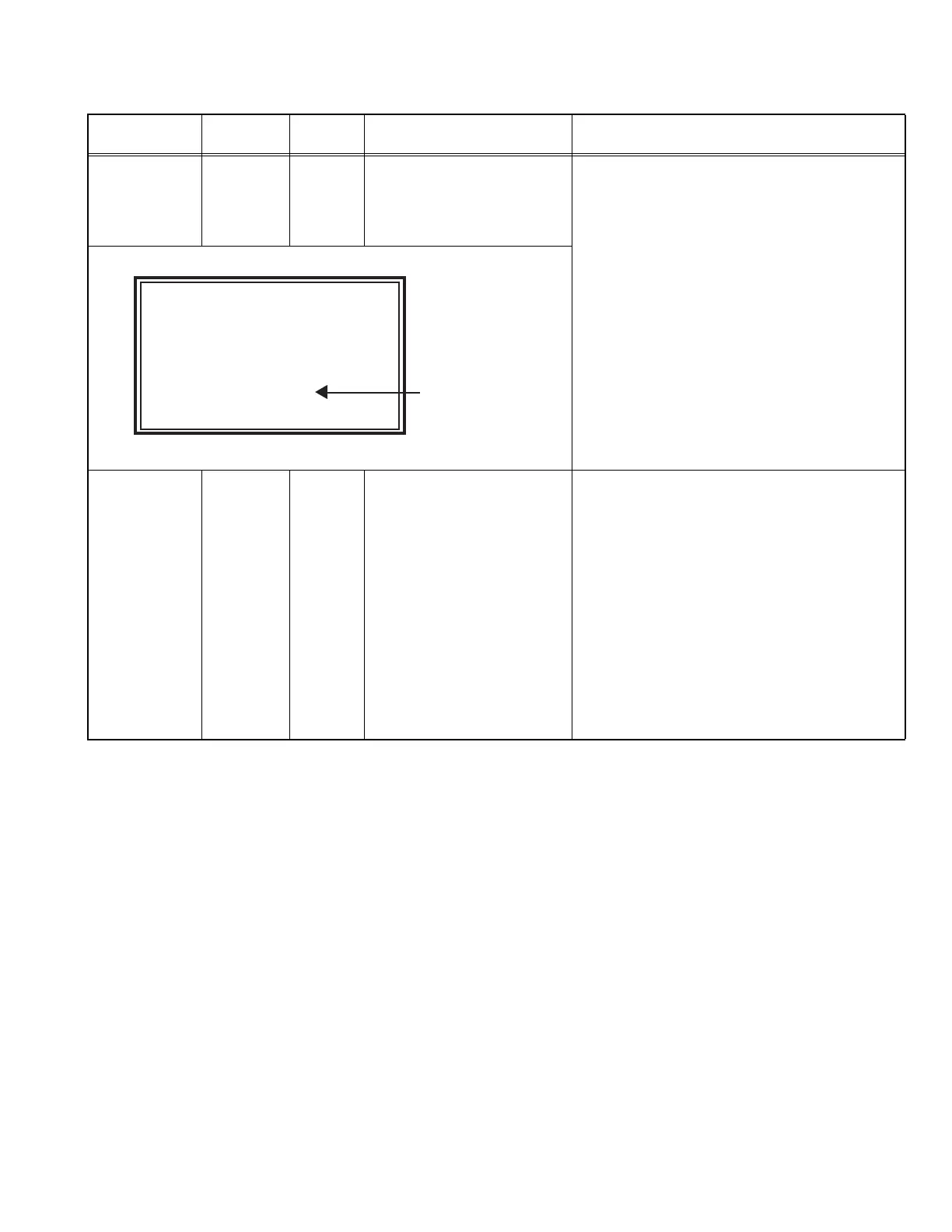
(4) Adjust the value of <1.SC ADJ> to set the value
of (A) to 0±3.
NOTE:
The value of <1.SC ADJ> should be adjusted
within 7 - 24.
(5) Press the [OK] key to memoirze the set value.
WHITE
BALANCE
(HIGHLIGHT)
Remote
control unit
Signal
generator
[1.ADJUST]
2.R DRIVE
3.G DRIVE
4.B DRIVE
(1) Receive a PAL 75% all white signal.
(2) Set PICTURE MODE to "STANDARD".
(3) Set ZOOM to "FULL".
(4) Set COLOUR TEMP. to "NORMAL".
(5) Select "1.ADJUST" from the SERVICE MODE.
(6) Adjustment is select 1 item from <2.R DRIVE>,
<3.G DRIVE> and <4.B DRIVE> then select item
fix to "920" Other color shold be less than 920.
NOTE:
Finaly minimam more than 1 item (<2.R
DRIVE>, <3.G DRIVE> or <4.B DRIVE>)
should be "920".
(7) Must check white balance adjustment correctry
with low light to high light.
(8) Press the [OK] key to memoirze the set value.
ADJUST AUTO PAL FUL
1.SC ADJ 14
SC DEV:+ 0
- + OK:STORE i=EXIT
(A)



 To Next Page
 Loading...








