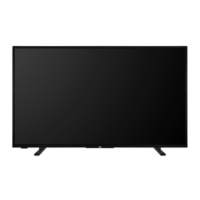
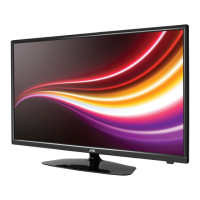
Wall mounting instructions (depending on the
model)
Wall Mounting the TV
The TV can be mounted on a wall using a MX X*X mm
(*) VESA mounting kit supplied separately. Remove the
base stand as shown. Mount the TV according to the
instructions supplied with the kit. Beware of electrical
cables, gas and water pipes in the wall. In case of any
thread length must not exceed X mm (*) into the TV.
Contact the store where you purchased the product
for information on where to purchase the VESA kit.
(*) Refer to the related additional page for the accurate
VESA measurements and screw specications.
Removing the base stand
To remove the base stand, protect the screen and
stand to the TV.
-or-
Turning On/O the TV (depending on the model)
Connect power
IMPORTANT: The TV set is designed to operate on
220-240V AC, 50 Hz socket.
After unpacking, allow the TV set to reach the ambient
room temperature before you connect the set to the
mains.
Plug one end (the two-hole plug) of the supplied
detachable power cord into the power cord inlet on
the rear side of the TV as shown above. Then plug
the other end of the power cord into the mains socket
outlet. The TV will switch on automatically.
Note: The position of the power cord inlet may dier depending
on the model.
To switch on the TV from standby
If the TV is in standby mode the standby LED lights
up. To switch on the TV from standby mode either:
Press the Standby button on the remote control.
Press the control button on the TV.
The TV will then switch on.
To switch the TV into standby
The TV cannot be switched into standby mode via
control button. Press and hold the Standby button on
the remote control. Power o dialogue will appear on
the screen. Highlight OK and press the OK button. The
TV will switch into standby mode.
To switch o the TV
To power down the TV completely, unplug the power
cord from the mains socket.
Quick Standby Mode
In order to switch the TV into quick standby mode
either;
Press the Standby button on the remote.
Press again to go back to operating mode.
Press the control button on the TV.
Press the control button again to go back to operating
mode.
Your TV continues to operate in the quick standby
mode state, as it regularly checks for updates. This is
not a malfunction, it meets the requirements for energy
consumption. In order to minimise energy consumption
switch your TV into standby mode as explained above.



 To Next Page
 Loading...