Serial Number
IMPORTANT NOTE TO THE CUSTOMER:
In the space below, enter the serial number for your
television (located on the rear of the television cabinet).
Staple your sales receipt or invoice to the inside cover of this guide.
Keep this user's guide in a convenient place for future reference.
Keep the carton and original packaging for future use.
For models
:
TV-13143
TV-13143W
(
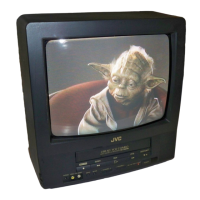
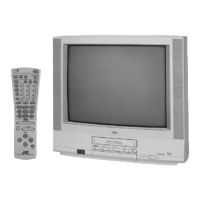
Illustration of TV
-
13143
)
TV/VCR COMBO
USER’S GUIDE
POWER
ON TIMER
REC TIMER
REC
STOP / EJECTFFPLAYREW
VOLUME
CHANNEL
SP / EPINPUT
PHONES
VIDEO - IN - AUDIO
/
REC/ITR
VIDEO CASSETTE RECORDER
PLAY
STOP
TV
REC PAUSE
FFREW
TRACKING AUTO
SLEEPCALL
INPUT
ENTER
SET
–
SET
+
MENU
ZERO RETURN RESET
PROGRAM
SP/
EPTIMER
POWER
COUNTER
CANCEL
TV/CAP/TEXT
RETURN
0
8
5
2
7
4
1
9
6
3
MUTING
CH
CH
VOL VOL
5B20401A-E/COV-IN 28/1/01, 16:571

 Need help?
 General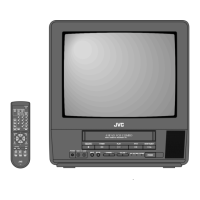

 To Next Page