Part B:
B1: MODE/SET button
B2: button
B3: / button
B4: ALARM ON/OFF button
B5: RESET
SNOOZEn
B7: Alarm mode slide switch
Part C:
C1: Wall Mount Hole
C2: Stand
C3: Battery Compartment
3. Getting Started:
3.1 Main Unit:
Slide open battery compartment cover [C3]
Insert 4 x AA size batteries observing polarity .
Replace battery compartment cover [C3]
4. Time and Alarm Setting
4.1 Radio Controlled Clock:
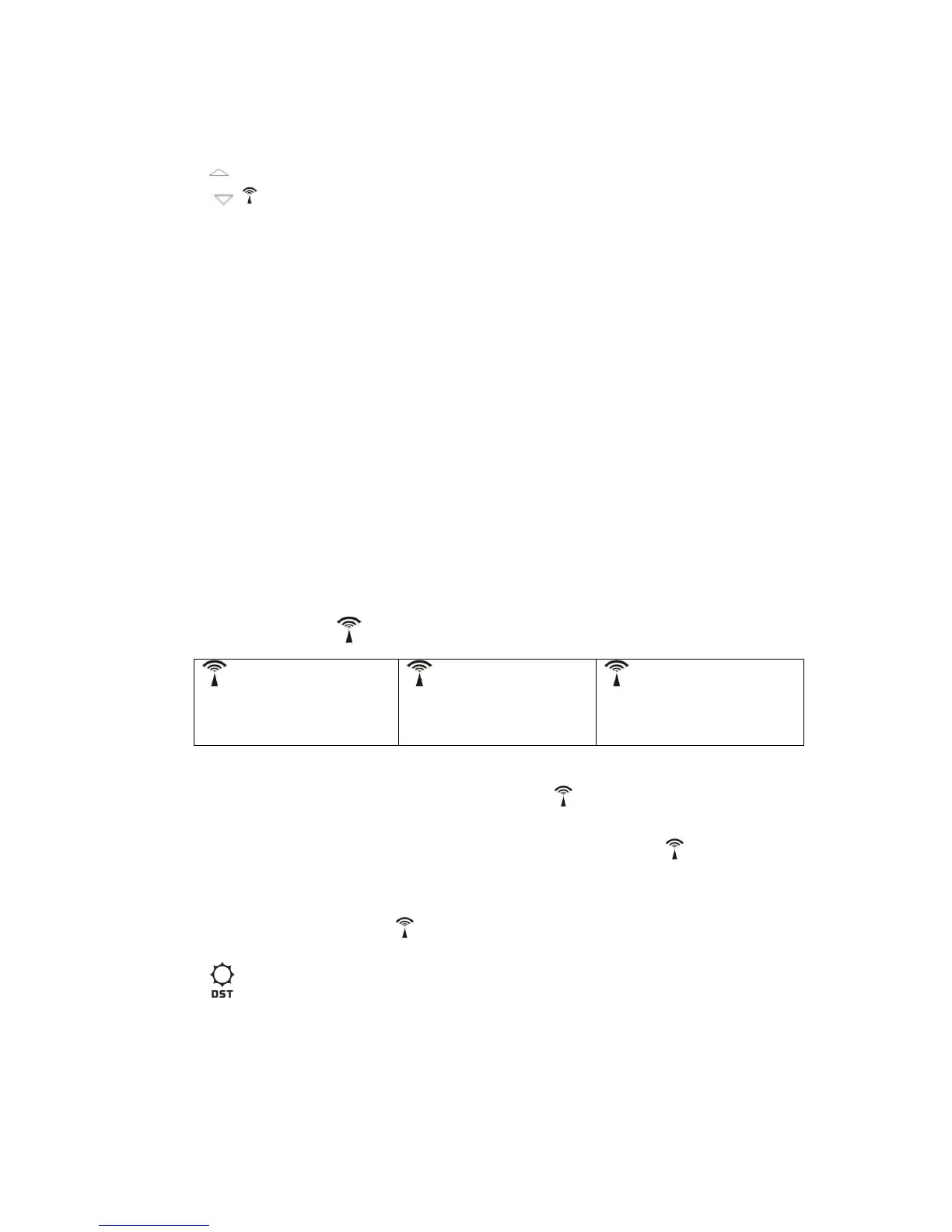
After batteries inserted, the clock automatically starts to scan the DCF time signal.
flashes,
Indicating now is receiving
DCF signal
turns on,
Indicating signal received
successfully
disappear,
Indicating signal reception
failed
The clock automatically scans the time signal at 3.00 a.m. every day to maintain
accurate timing. If reception
3)
for 3 seconds. Each reception takes about 5 minutes.
Stop scanning by holding B3) for 3 seconds.
LCD if it is in Daylight Saving Time Mode
4.2 Manual Time Setting:
In time display mode ODE 1) for 3 seconds to enter
Clock/Calendar setting Mode.


 To Next Page
 Loading...