EasyManua.ls Logo

JVD ICONIC - User Manual

Default Icon
18 pages
Go to English
Print Icon
To Next Page IconTo Next Page
Loading...
Page 1
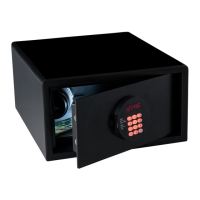
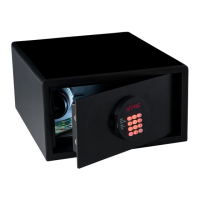
Coffre-fort / Safe
Modèles / Models : GUARDIAN TRUSTEE
ICONIC - FORTRESS
Notice original / Original instructions
Lire et conserver cette notice / Read and save these instructions
Dernière mise à jour / Last update : 28/02/2019
3 RUE DES BRECHES 44400 REZE - FRANCE
Tél. +33 (0)2 40 75 98 20
www.jvd.fr
Question and Answer IconNeed help?

Do you have a question about the JVD ICONIC and is the answer not in the manual?

Summary

Important Instructions

Installation and Getting Started

Normal Use

Closing

Instructions for properly closing the safe using a code or card, and confirmation on the screen.

Opening

Steps to open the safe using the correct code or card, with screen confirmation and interior light.

Emergency Opening

Opening the safe with a key

Procedure for unlocking the safe using a physical key and turning it in the lock mechanism.

Service Unit

The Purpose of the Service Unit

EMER OPEN Function

Explains the 'EMER OPEN' function for unlocking safes due to forgotten codes or flat batteries.

AUDIT Function

JVD ICONIC Specifications

General IconGeneral
BrandJVD
ModelICONIC
CategorySafes
LanguageEnglish

Related product manuals