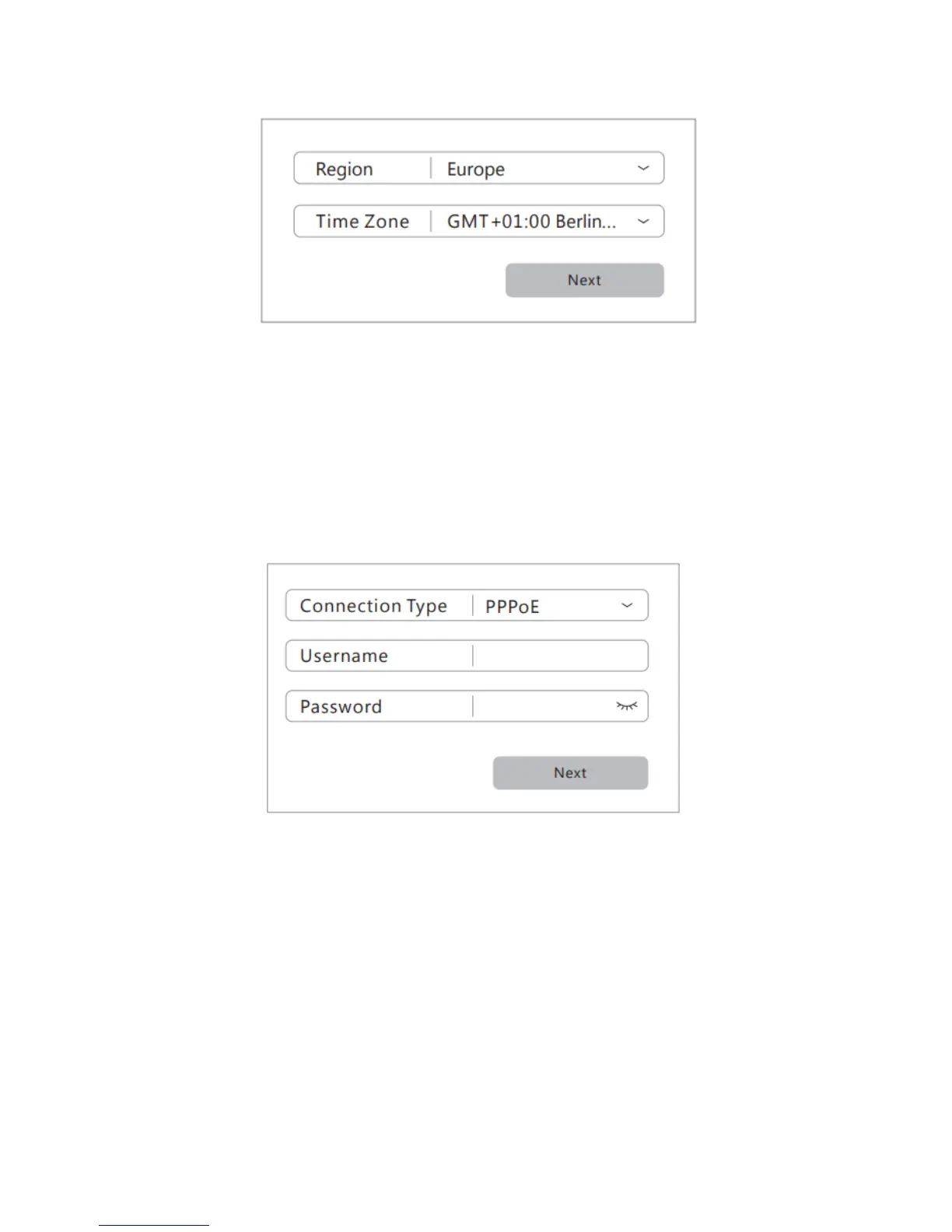
4. Specify your Internet connection type, enter the relevant
account information as required and click Next. Contact
your Internet Service Provider (ISP) if you are not sure about
this step.
5. Set SSID and password for your wireless network or use the
default settings. Click Save to complete the setup.



 To Next Page