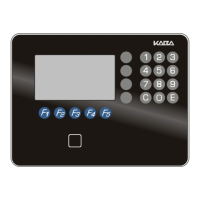
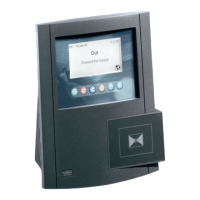
To ACTIVATE PIN:
Swipe a General Master Authorization
keycard through the Front Desk Unit.
Press 7
Press 2
Press 3
Press 4
Arrow down to Accept PIN? Press 1
Arrow down to Create PIN? Press 1
then press <ENTER>
Settings are now active.
ACTIVATE PIN / CREATE PIN FOR BELLMAN’S AUTHORIZATION
G4
To CREATE PIN:
Swipe a General Master Authorization
keycard through the Front Desk Unit.
Press 6
Press 2
Press 2
Arrow down to Authorization? Enter #
{each BA keycard must have it’s own
authorization number.}
For BA’s use #’s between 121-160
Arrow down to Create PIN? Press 1
write down the PIN code. Then press
<ENTER> swipe card. PIN# is now active
lodging-tech@kaba-ilco.com
1-800-906-4526
Sign up for our Technical Support Website http://connect.kabalodging.com/

 Need help?
 General

 To Next Page