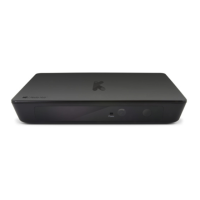
Need help?
Do you have a question about the Kaiser Baas HD Media Hub and is the answer not in the manual?
Illustrates the device's ports: USB, SD/MMC, AV, HDMI, S/PDIF, and power.
Step-by-step guide for connecting power, media source, and television.
Guide to browsing files via home screen icons (File, Movie, Music, Photo, Setup).
Method to play/display any file type by selecting the 'File' icon and then mode.
Instructions on how to adjust device settings using the remote control's SETUP button.
Details supported video, audio, picture, and subtitle formats.
Lists video/audio outputs, storage, dimensions, USB ports, and power requirements.
Answers common user queries regarding device response, display, and file playback.
 General
| Brand | Kaiser Baas |
|---|---|
| Model | HD Media Hub |
| Category | Switch |
| Language | English |

 To Next Page