Chapter 3 Basic Operations
3.1 Photo and album
3.1.1 Photo
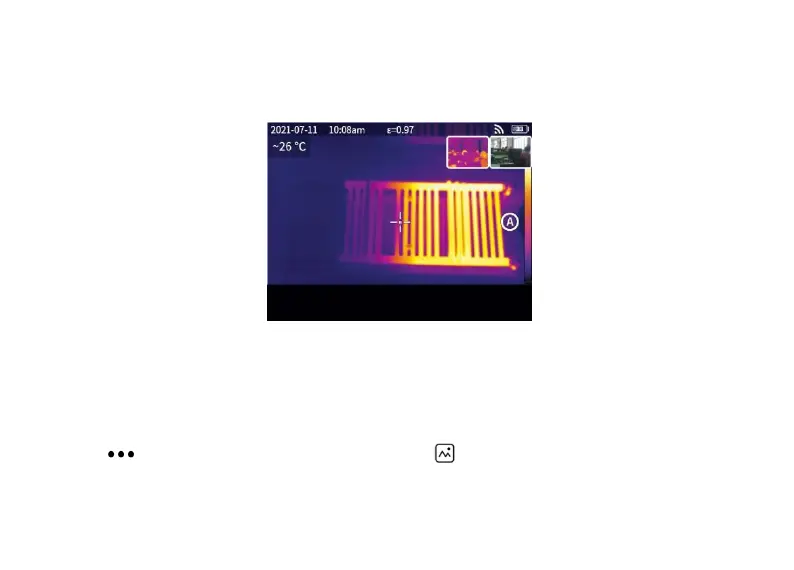
Press the shutter button in the real-time preview interface, “Image saved" appears and a 2s thumbnail is
displayed in the top right corner.
3.1.2 Photo view
1. Click the thumbnail in the top right corner for a quick view of the photo.
2. Click to open the hidden status bar, and then click to enter the album to view the photos in the
local gallery.



 To Next Page