
 Need help?
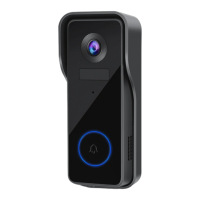
Do you have a question about the KAMEP Bell J7 and is the answer not in the manual?
Instructions for downloading the companion app via app stores or QR codes.
Guidance on operating near the Wi-Fi router, connecting to 2.4GHz Wi-Fi, and ensuring correct Wi-Fi password.
Explains ringtone selection, volume control, and settings for pairing mode and factory reset.
Guidance on mounting height and using optional angled brackets for optimal viewing.
Step-by-step instructions for mounting the doorbell using provided hardware.
Details on enabling and disabling the anti-theft alarm and its functionality.
Frequently asked questions and answers covering battery, power sources, chime compatibility, and storage.
 General
| Brand | KAMEP |
|---|---|
| Model | Bell J7 |
| Category | Intercom System |
| Language | English |

 To Next Page