7
8
5.InstallationOptions
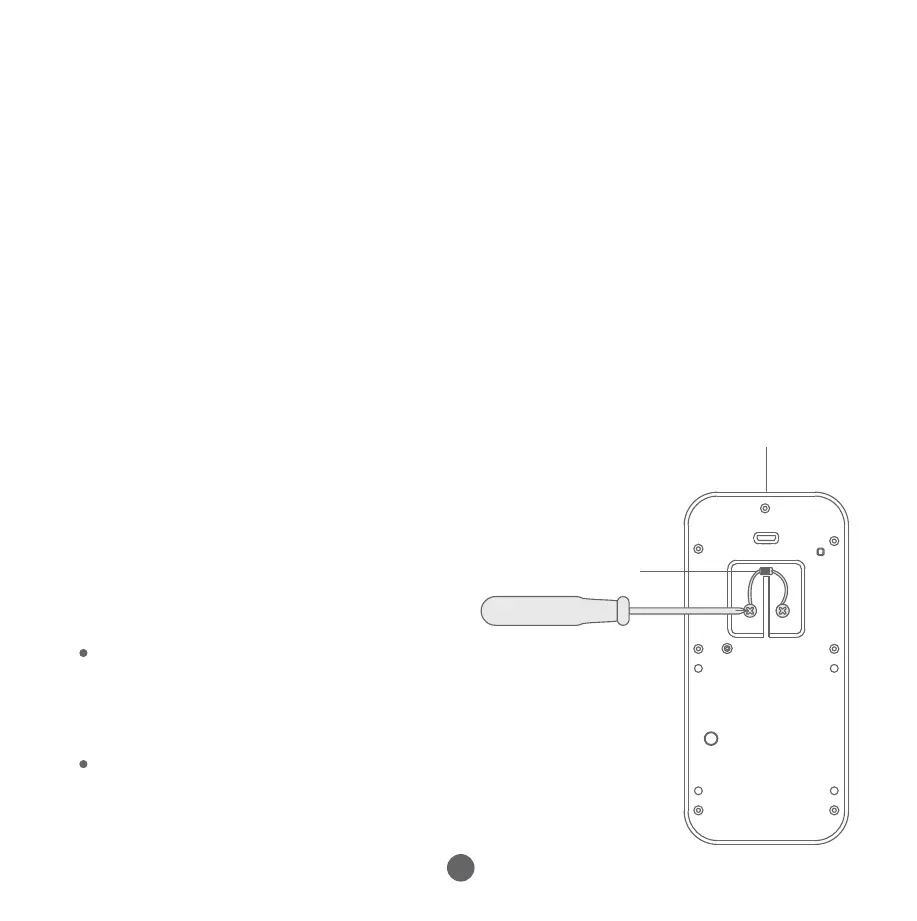
Ifyouarereplacinganeistingdoorbell,please
switchthepoweroff,removethedoorbell,and
disconnectthewires.
a.RemovetheOriginalDoorbell(optional)
Ifyouwanttoconnectyourdoorbelltoan
electronicbell(ifyourdoorbellhasaspeaker,
itusesadigitalchime),youwillneedtoinstall
adiode.
Ifyouareusingamechanicalindoordoorbell,
DONOTinstalladiode,asthiswilldamagethe
existingdoorbell.
b.ElectronicDoorbellSetup:
InstallingaDiode(optional)
Ifyouareusingamechanicalchime,pleaseinstallthechime
connectortoensureastablepowersupply.
Ifyoudon'twantchimetomakeasound,pleaseconnectthewiresas
showninthepicture.
c.MechanicalDoorbellSetup:Installingthechime
connector(optional)
Pleasemakesurethepowerforthedoorbellis
shutdownwhenyoudothisstep.
Tapthe"Next"buttonandwaituntilyouhearthemessage"Pairingis
successful"bothfromthecameraandfromtheapp.Assignyour
desirednametotheDoorbellandtap"Save".Youwillhear"Youmay
startusingyourcameranow".
Step5
Diode
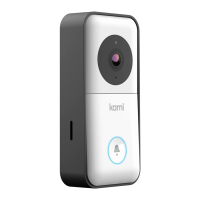
KamiDoorbell
Camera
2
1
Chime
Connector
Youcanalsoconnecthere
1
2
Connectionmethod-1
Connectionmethod-2
1


 To Next Page
 Loading...