4
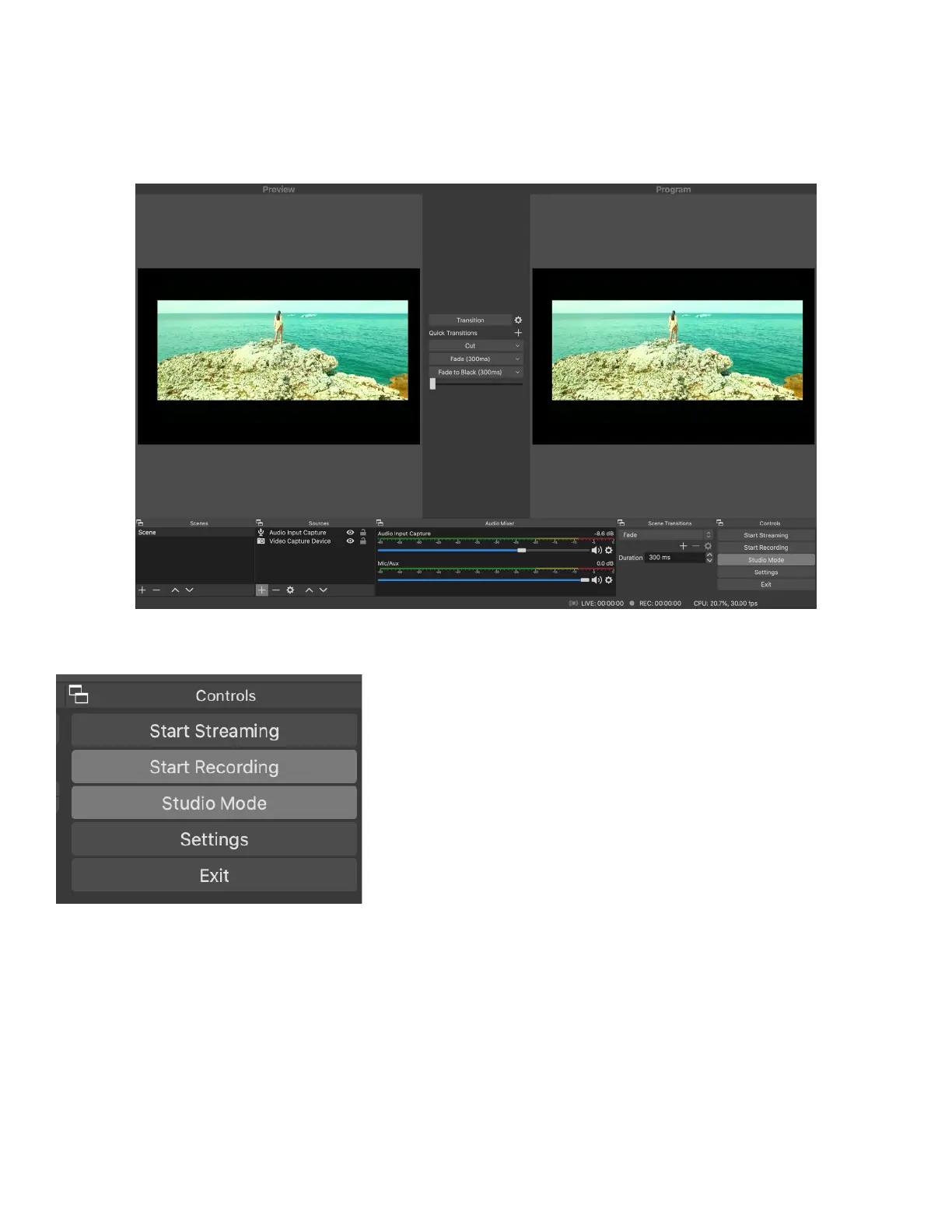
2. Select either Recording or Streaming Mode
a. Follow the on-screen prompts
3. Choose “Studio Mode” (double window).
4. Click “Start Recording”
SPECIFICATIONS:
HDMI resolution: Max input can be 3840x2160@30Hz
Support video for: 8/10/12bit Deep color
Video output format: YUV, JPEG
Video output resolution: Max output can be 1920x1080@30Hz
Support audio format: L-PCM
Input cable distance: ≤15m,AWG26 HDMI standard cable
Max working current: 0.4A/5VDC
Operating Temperature range: (-10 to +55℃)
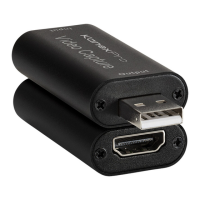
Dimension (L x W x H): 64x28x13 (mm)
Weight: 21.4g


 To Previous Page
 Loading...