For your safety, and to avoid damaging your
computer, make sure you read all the instructions
before you begin.
• Never touch the heat sink because it can get hot!
• Only use the battery and power supply unit
that come with this computer. Using a dierent
battery or power supply unit can cause a fire or
damage the computer!
• Don't charge your computer near anything that
can burn, or when no one else is home!
• Do not remove or tamper with the PCB
• If you think your Kano PC might be damaged,
stop using it, and visit the Kano help desk at
help.kano.me
Now let's begin!
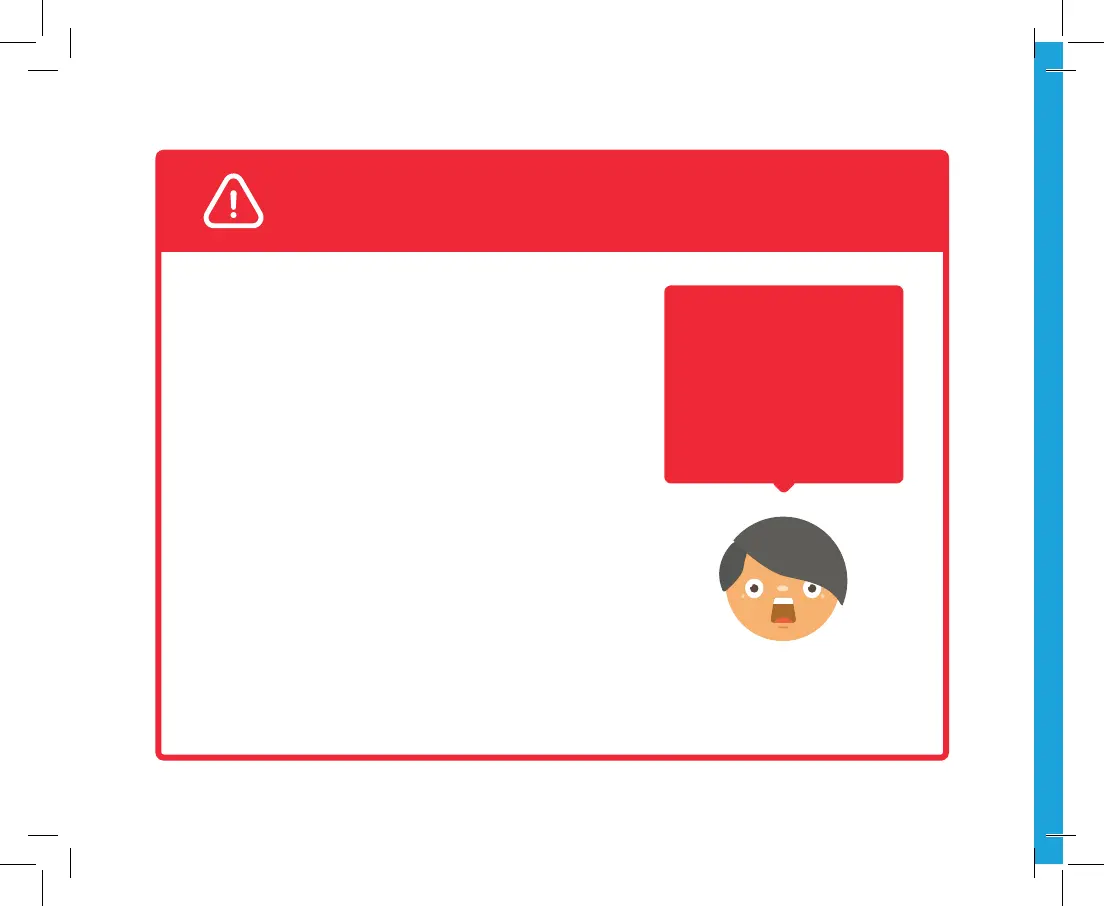
SAFETY FIRST
If you see a comment
in red that looks like
this, it means you have
to pay attention! Follow
the instructions to avoid
getting hurt, or damaging
your computer
Kano-PC-Book-EN-20191011.indd 1 14/10/2019 12:33


 To Next Page