Supporting your digital lifestyle
™
7
Step 5: Tilt the TV
Your Kanto tilting mount features a unique Magic Tilt
TM
system that is pre-tensioned at the factory. With your TV mounted to
the wall plate, simply tilt the TV to your desired viewing angle, between +10° and −5°, and your installation is complete.
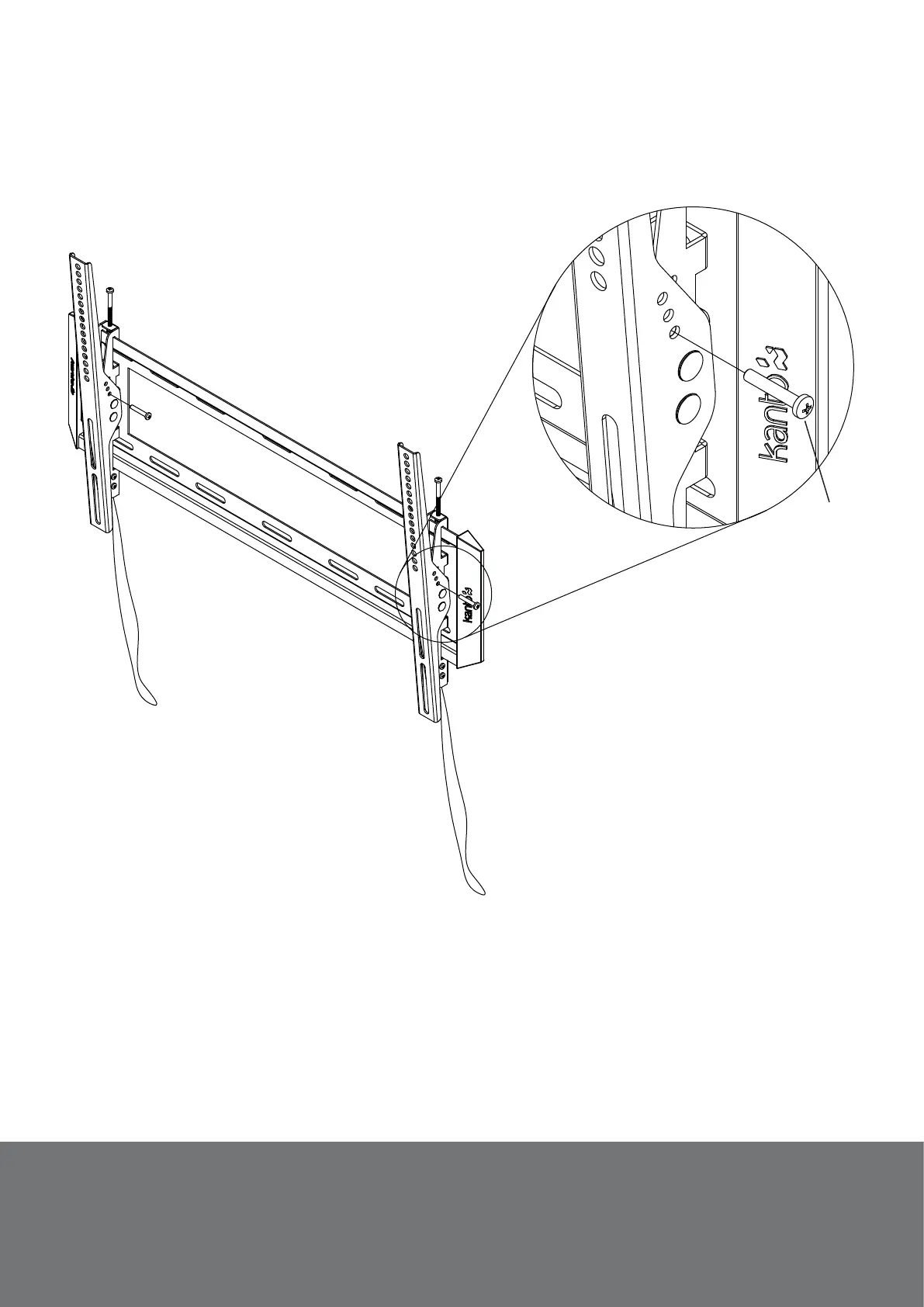
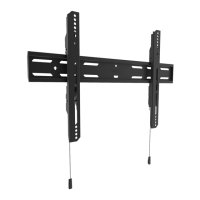
As an added feature, the T3760 can be locked into position at three tilt positions, as shown in Diagram F. Use the M5 x
10mm bolts (N) supplied to lock the tilt arm in place at either -5°, 0° or +5°. Bolt holes are on the right side of each tilt arm.
Step 6: Remove the TV
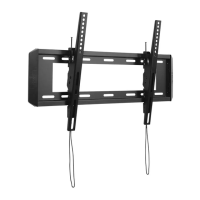
To remove the TV from the wallplate, pull down on the
cords to release the Quick-Lock
TM
mechanisms. Use two
people to pull the bottom of the TV away from the wall and
lift it off the wallplate.
Diagram F
N


 To Next Page