Need help?
Do you have a question about the KAPUCI BGX-X1-45PMAZ and is the answer not in the manual?
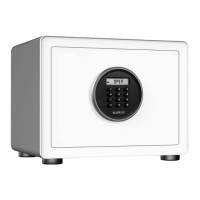
Provides a general description of the safe box, identifying its main components like box, control panel, door, and feet.
Details the components of the control panel, including fingerprint area, keypad, and emergency access points.
Step-by-step guide on using an external battery pack to power the safe for access, especially when internal batteries are depleted.
Instructions for using the emergency key to open the safe when electronic access fails due to power or system issues.
Procedure for setting a new user-defined password (1-8 digits) and confirming with the '#' key for successful registration.
Guide to registering fingerprints for biometric access by placing a finger on the collection area for approximately 2 seconds.
Explains how to open the safe using either a password or registered fingerprints under normal conditions.
Instructions on how to properly close and lock the safe door, requiring a 2-second press for system recognition.
Details the virtual password function, allowing numbers before or after the actual password for enhanced security.
Describes the alarm triggered by incorrect password entries or failed fingerprint matches, leading to panel lockout.
Explains the vibration alarm function, its activation, and how to clear it using correct credentials.
Guide to restoring the safe to factory settings, clearing all stored passwords and fingerprints.
Alerts users to low battery voltage (below 4.8v) and provides guidance on replacement or alternative opening methods.


 To Next Page
 General