EasyManua.ls Logo

Karaoke USA GP978 - User Manual

Karaoke USA GP978
32 pages
Print Icon
To Next Page IconTo Next Page
Loading...
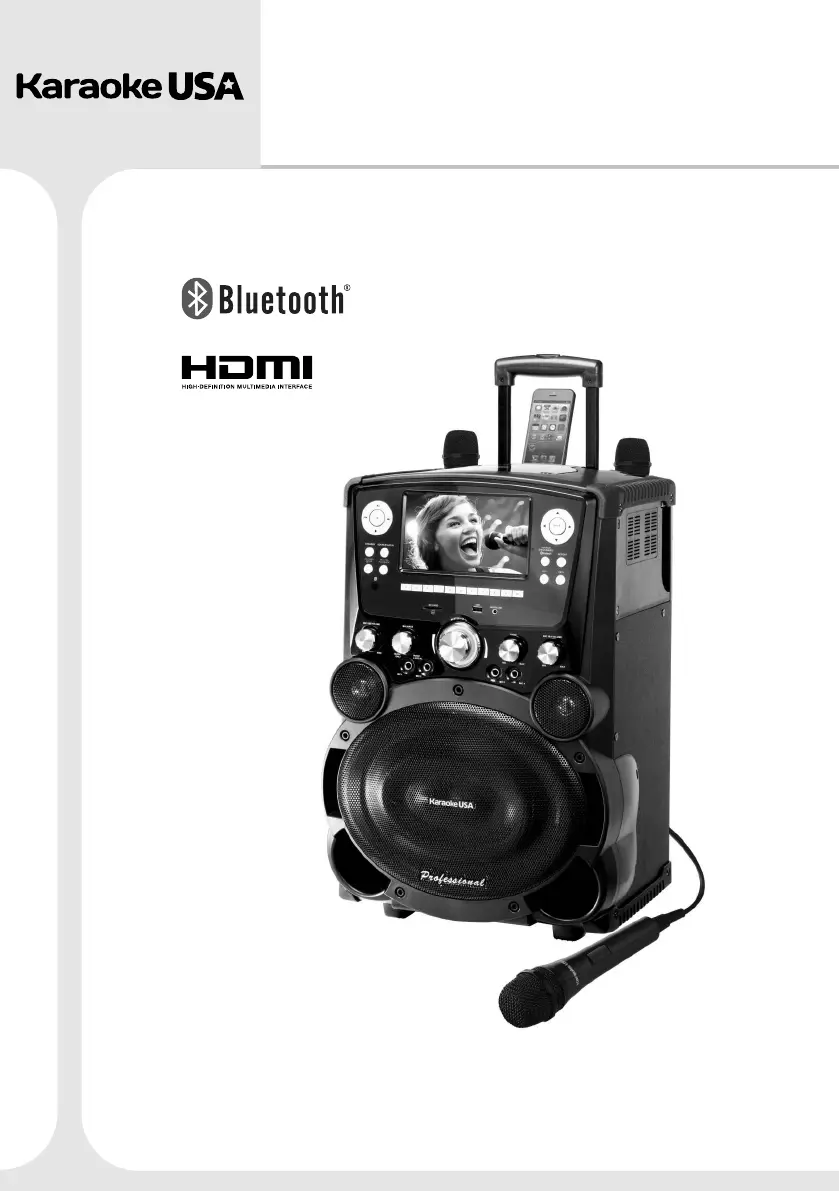
PROFESSIONAL DVD/CD+G
/MP3+G KARAOKE PLAYER
GP978
Before operating this product, please read these instructions.
Smart Device not included
User’s Guide
MODEL:

Questions and Answers

Summary

Warnings and Precautions

Moisture and Condensation

Handles effects of moisture and condensation on the unit.

Usage Environment

Guidelines for using the unit in different environmental conditions.

FCC Information

Details regulatory compliance with FCC rules.

Important Safety Instructions

Cautionary Usage Guidelines

Whats Included

Song List

Product Features

Front Panel Overview

Panel Components and Ports

Connecting to a TV

Smart Device Connection

Guide for connecting and charging smart devices.

Remote Control Layout

Remote Control Button Functions

Details the purpose of each button on the remote.

Remote Control Basic Operations

Media Source and Programming

Selecting media sources and programming track playback order.

Playback and Recording Control

Using play, pause, record, and A-B repeat functions.

Remote Control Playback and Settings

Playback and System Settings

Controls for volume, skipping, stopping, and accessing system settings.

Advanced Playback Features

Using subtitle, key, language, and slow-motion playback.

Remote Control Special Functions

Scan, Display, and Mute Functions

Using reverse/forward scan, display info, and mute features.

Remote Control Preparation

Playing a Disc

MP3 G Music Playback

Bluetooth Music Playback

SD Card and USB Playback

Recording Procedures

Playback Recorded Files

The Setup Menu System

System Setup Options

Configuring TV system, screen saver, type, password, rating, and defaults.

Language Setup Options

Setting OSD, audio track, and subtitle languages.

Menu and Audio Setup

Configuring menu language and microphone/key settings.

Video Setup - Brightness, Hue

Adjusting video output brightness, contrast, and hue.

Video Setup - Saturation, Sharpness

Adjusting video output saturation and sharpness.

Troubleshooting Guide

SD Card Usage Notes

Karaoke USA GP978 Specifications

General IconGeneral
Microphone Inputs2
Audio OutputRCA
ConnectivityUSB, SD card
Power SupplyAC Adapter
Playable FormatsMP3, MP3+G
StorageUSB/SD card support
Video OutputRCA
Supported Audio FormatsMP3
Display7" TFT Color Display
Song LibraryBuilt-in song library with over 300 songs