_________________________________________________________________________________
8
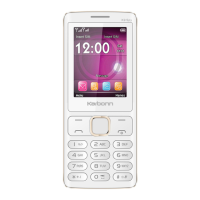
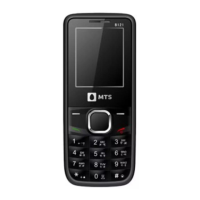
Power Key Return to the idle mode.
SIM1/Left
Soft Key
Make or answer a call to Sim card 1.
Right Soft
Key
Access the Name list in idle mode.
Return to the previous menu.
OK Key Press to enter main menu in idle mode.
In idle mode, press and hold OK key to turn on/off torch light.
After inputting numbers, press this key to do options.
Numeric key Enter numbers, letters or characters.
Select a submenu item labeled with the corresponding number.
* Press to toggle between *, +, (pause character) P, and (wait character) W.


 To Next Page