30 | EN
14. Troubleshooting
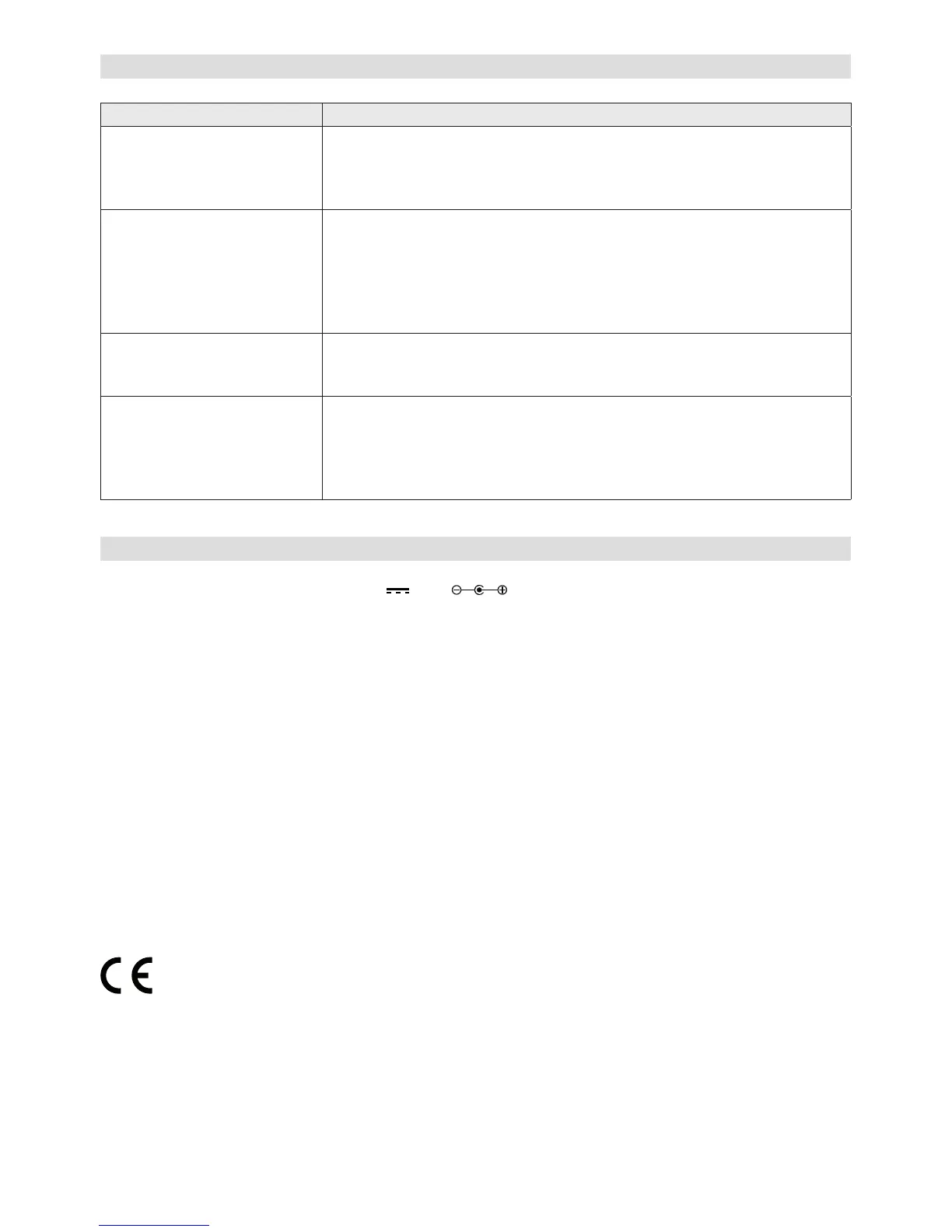
Error Remedy
The device does not switch
on or turns off suddenly.
1. Check if the power adaptor is connected properly.
2. The device may malfunction when used in areas with strong radio
interference. The device will work properly again once interfer-
ence ceases.
No sound or low sound. 1. Turn on the sound as it may be muted.
2. Increase the volume.
3. Pull any connected headphone or speaker from the connector
sockets.
4. AUX In mode: Check if the audio cable is connected properly and
the volume of the source is large enough.
No signal or hiss in DAB or
FM mode.
1. Check/move the antenna. Also try to adjust the length of antenna.
2. Move the radio to another location.
3. FM mode: Set the Audio Setting to “Forced Mono”.
Alarm does not work. 1. Switch on the alarm.
2. Due to the volume setting, refer to the solutions of “No sound”.
3. The source of alarm was set to be radio but there is no network
connection. Change the source of alarm or recongure the con-
nection.
15. Specications
Power Supply: DC 12V 1.5A (adapter included)
Radio Frequency Range: DAB+ (Band III): 174 - 240 MHz
FM: 87.5 - 108 MHz
Dimensions (WxDxH) ca.: 302 x 143 x 125 mm
Technical specications and design may change without notice.
We, Karcher AG, herewith conrm that this product is in line with the basic requirements of
regulation(s) 2014/53/EU and/or 2014/30/EU, 2014/35/EU and further relevant regulations.
A copy of the declaration of conformity can be obtained at the following address:
Karcher AG | Gewerbestr. 19 | 75217 Birkenfeld
Or online at the following link:
http://www.karcher-products.de/index.php/Konformitaetserklaerungen.html


 To Next Page
 Loading...