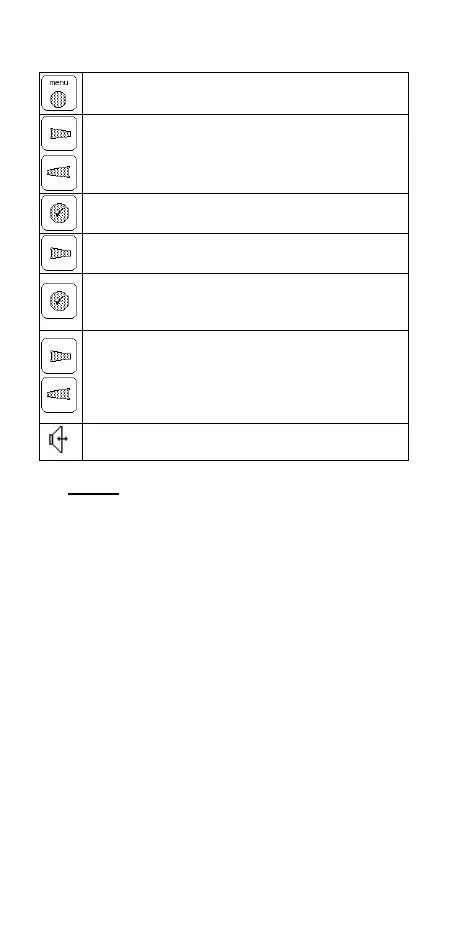
How To Enter The Setting Mode
Press
Menu
key.
Scroll through the menus using
Next
(>) or
Back
(<) keys.
Press
Check
(
9
99
9
) key to select the desired
menu message.
Scroll through the sub-menus using
Next
(>)
key.
Press
Check
(
9
99
9
) key to select the desired
sub-menu message and proceed
accordingly.
Should there be more settings to be
adjusted, scroll through the menus using
Next
(>) or
Back
(<) keys until the desired
menu message appears and proceed
accordingly.
Press
Handsfree
Key to exit the
Handsfree
Mode
.
•
N
OTES
- If
Back
(<) key is pressed while scrolling through
the sub-menus, the main menu message
appears on the display.
- You may also lift the handset and then press &
hold
Check
(
9
) key until the second “beep” to
enter the
Setting Mode
.



 To Next Page