33
Use
03 To Set Up For First Use
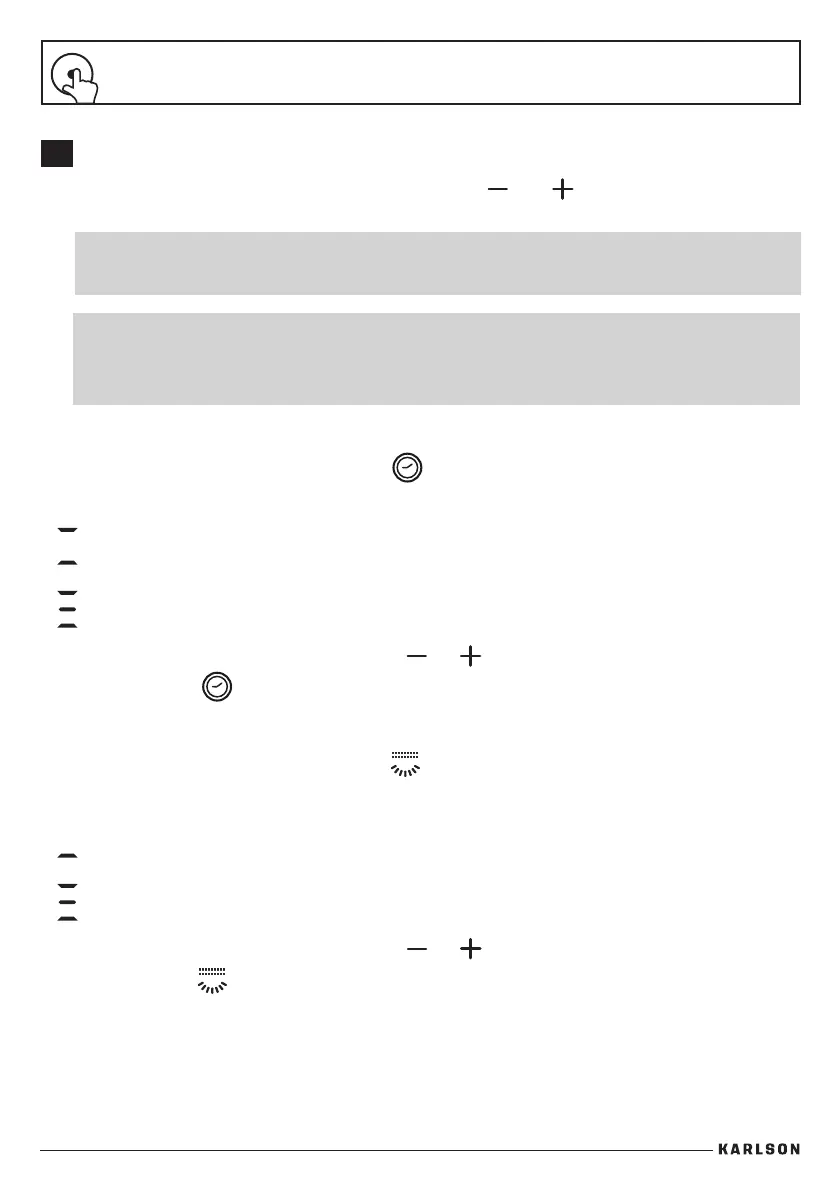
Once the hood is switched o press both increase and
decrease fan speed
icons. All icons will start blinking in white. The hood is now in setting mode.
IMPORTANT: Set up must be done with the hood controls, not the
remote control.
Ducted Mode
This is the factory default setting to extract air to the outside.
Recirculation Mode
This is the setting to recirculate the air with carbon lters installed.
1. To change to this option, press either or to select the correct mode.
2. Press Timer icon to accept the change.
Setting the Ducted or Recirculation Mode
Once in setting mode, press the Timer icon and it will blink in red. The LED display will
show the current Ducted or Recirculation Mode.
Setting the Lighting Mode
Once in setting mode, press the Light icon and it will blink in red. The LED display will
show the current Lighting Mode.
Cool light
This is the factory default setting for all lights.
Warm light
This is an optional setting for all lights.
1. To change to this setting, press either or to select the correct mode.
2. Press Light icon to accept the change.
IMPORTANT: Once in settings mode, you can adjust the
recirculation and lighting options in any order. However, all
actions must be completed within 2 minutes.


 To Next Page