EasyManua.ls Logo

KARUIZAWA KDH2016 - User Manual

KARUIZAWA KDH2016
12 pages
Print Icon
To Next Page IconTo Next Page
Loading...
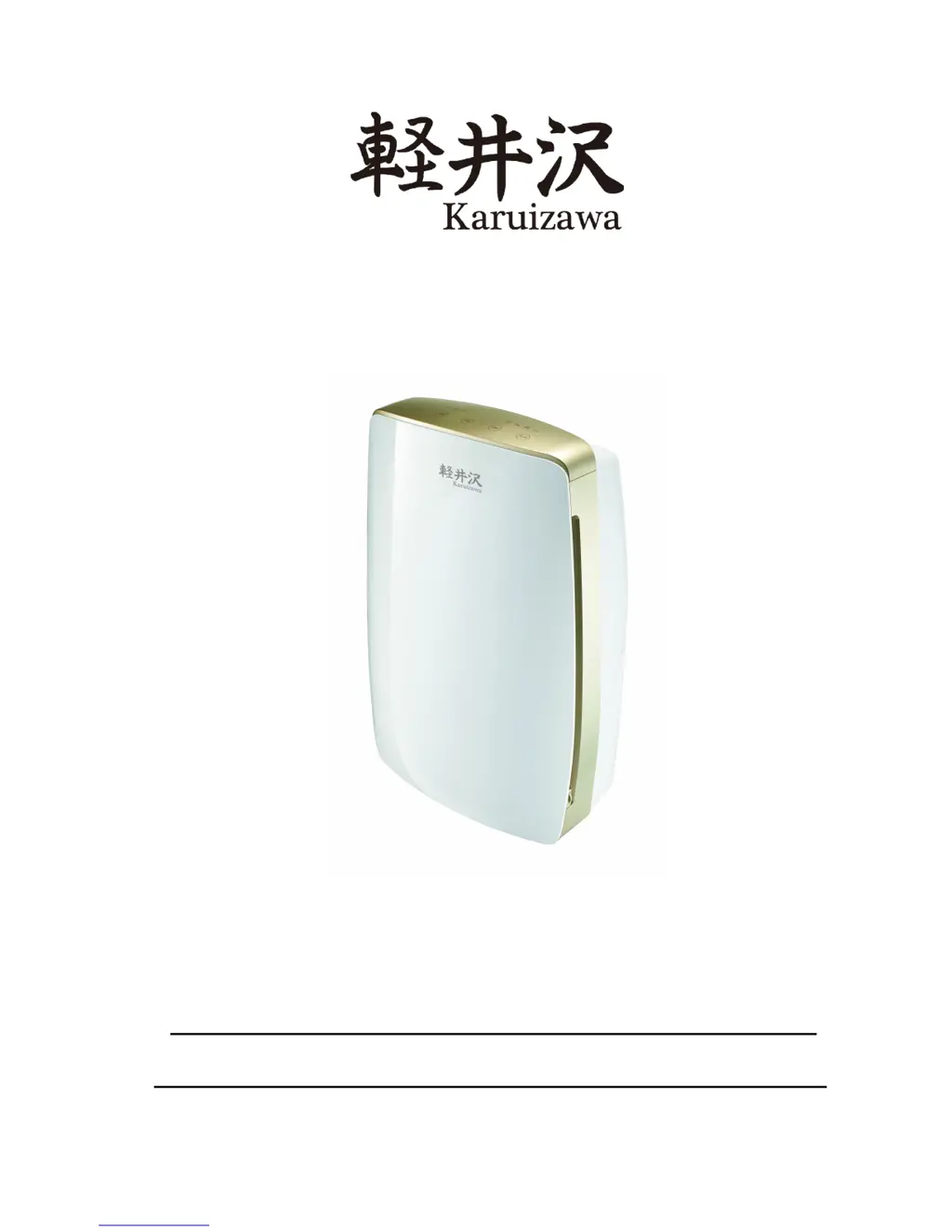
Dehumidifier
User Manual
Model: KDH2016
*Before operating the appliance, please read this manual and all
the safety instructions thoroughly and retain it for future reference.

Questions and Answers

  • K
    Kevin CollierAug 2, 2025
    Why does my KARUIZAWA Dehumidifier seem to run constantly?
    • A
      Ashley WilsonAug 3, 2025
      If your KARUIZAWA Dehumidifier seems to operate non-stop, first, ensure that all windows and doors are closed during operation. The area you're trying to dehumidify might be too large for the unit's capacity, so consider limiting the area. Also, remove any items that produce a lot of humidity from the room, such as open containers of water; close the toilet lid.
  • C
    Charles HoltAug 10, 2025
    How to troubleshoot a KARUIZAWA KDH2016 that won't turn on?
    • A
      alyssachambersAug 10, 2025
      If your KARUIZAWA Dehumidifier isn't working, start by ensuring the ON/OFF switch is turned on. Check that the water tank is correctly positioned and not full. Also, verify that the air inlet and outlet are free from obstructions.
  • S
    Scott GarciaAug 18, 2025
    What to do if my KARUIZAWA Dehumidifier is not dehumidifying?
    • H
      Heather GarciaAug 18, 2025
      If your KARUIZAWA Dehumidifier seems to be doing nothing, start by checking the filter. If it's dusty or contaminated, remove it and clean it with warm water (below 40ºC) every 2 weeks, let it dry naturally, and then replace it. Also, ensure that the air intake or outlet isn't blocked; if it is, remove the obstruction. The dehumidifier won't operate if the humidity setting is higher than the ambient humidity, or if the room temperature is too low (the appliance will start to defrost from 5ºC-15ºC).
  • A
    Aimee PhillipsAug 25, 2025
    Why is my KARUIZAWA Dehumidifier leaking water?
    • J
      Juan ArnoldAug 25, 2025
      If your KARUIZAWA Dehumidifier is leaking, ensure it's in good working condition and positioned on a level surface. If you're not using continuous drainage, make sure the water tank is empty or not full. Note that there may be some water remaining in the tank from factory testing.

Summary

Safety Instructions

Parts Description

Control Panel

Operation Instructions

ON;OFF Button

Controls power to turn the dehumidifier on or off, displaying mode and humidity.

Timer Button

Sets auto on/off timer for 1-24 hours, indicated by timer indicator.

Humidity Button

Adjusts humidity setting in Auto mode (30-80%) for optimal dehumidification.

Mode Button

Selects operating modes: Auto, Continuous (Cont), and Dry.

Fan Speed Button

Filter Clean Indicator

Child Lock Function

Memory Function

Precautions

Drainage Instruction

Continuous Drainage

Maintenance Instructions

Cleaning the Air Filter

Instructions for removing, cleaning, and reinstalling the air filter.

Cleaning the Body

Guidelines for cleaning the appliance exterior using soft cloths.

Storage

Steps for preparing the appliance for prolonged storage.

Troubleshooting

Specifications

Warranty

KARUIZAWA KDH2016 Specifications

General IconGeneral
BrandKARUIZAWA
ModelKDH2016
CategoryDehumidifier
LanguageEnglish